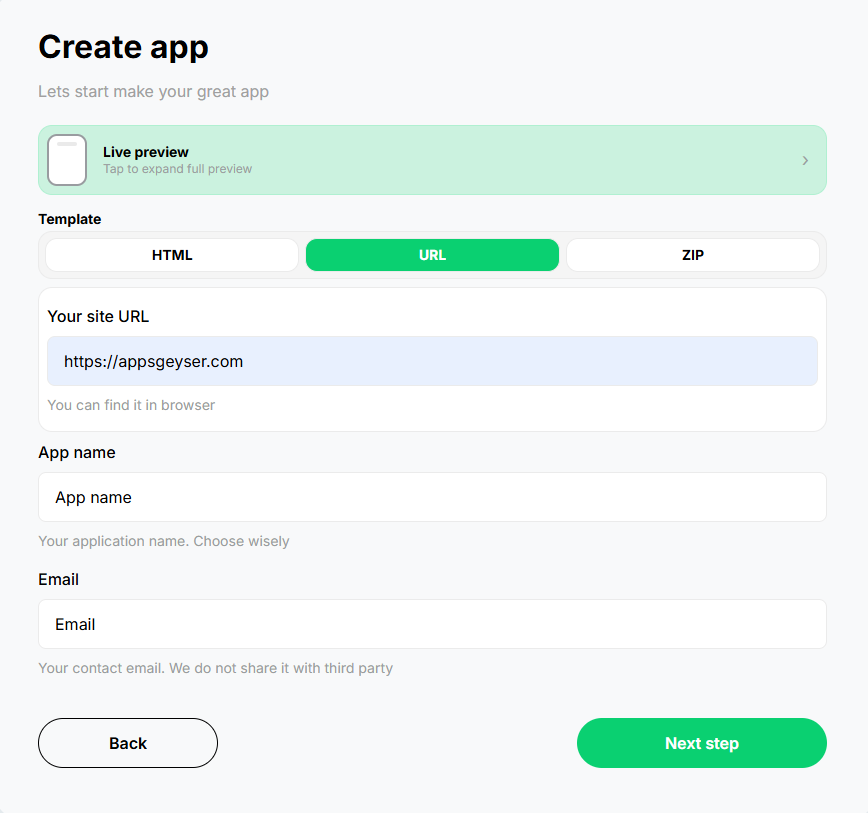
Choose the Chat App Template
To create a chat app, choose the Appsgeyser Chat app template.
 AppsGeyser
Do you want to create a messaging app for your business or friends? With the help of a chat app maker, you can easily create an Android or iOS app that allows users to communicate with each other. This will create a dedicated communication channel for your...
 AppsGeyser
Create an Android app for your Chat project in three simple steps. AppsGeyser keeps the process visual, beginner-friendly, and fast.
To create a chat app, choose the Appsgeyser Chat app template.
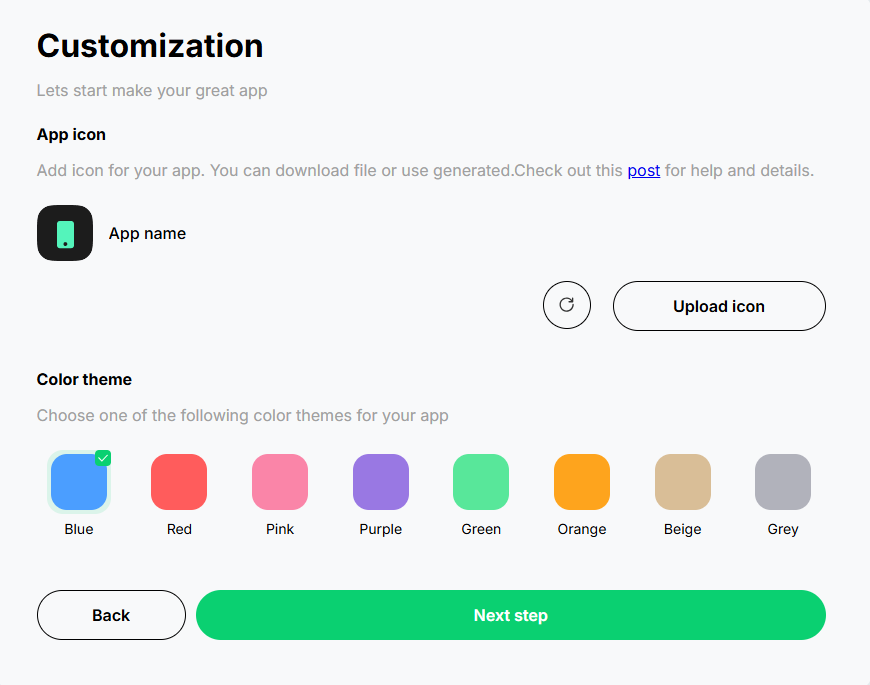
App Name: Give your chat app a unique name.
Description: Write a brief description of your app.
Icon: Choose or upload an icon for your app, customize the chat settings according to your preferences. You can change colors, backgrounds, and other design elements.
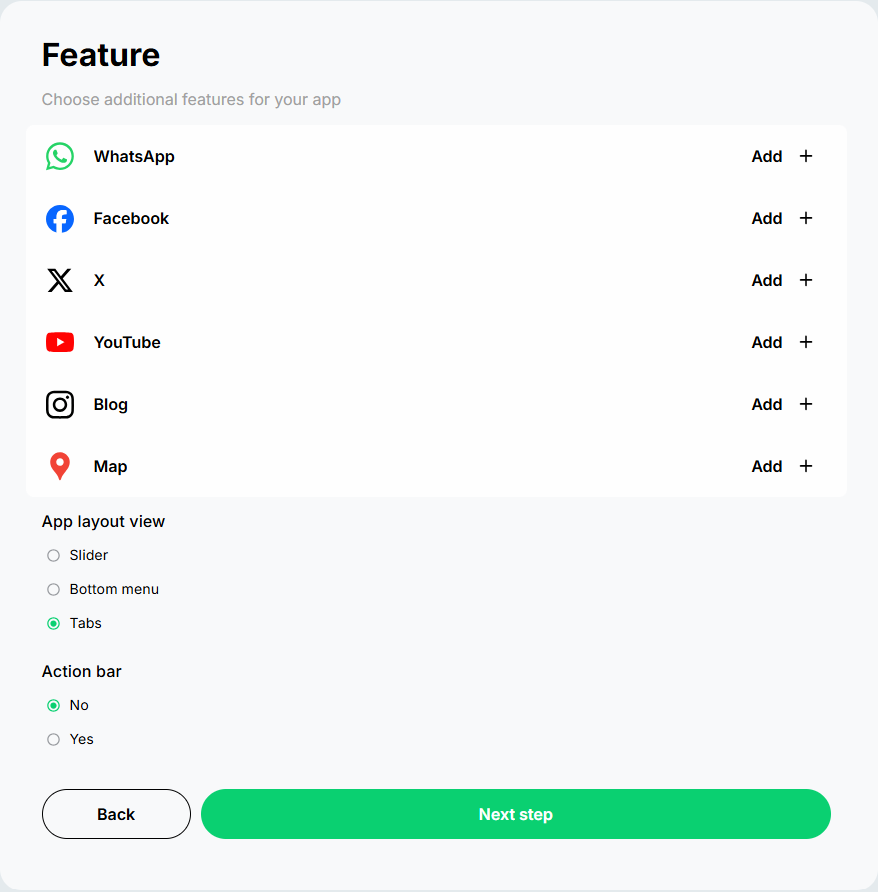
Content: Add additional content or features you want in your app, such as links to your website or social media.
Preview: Preview your app to see how it looks.
Create: Once satisfied with your app, click the 'Create' button to generate your chat app.
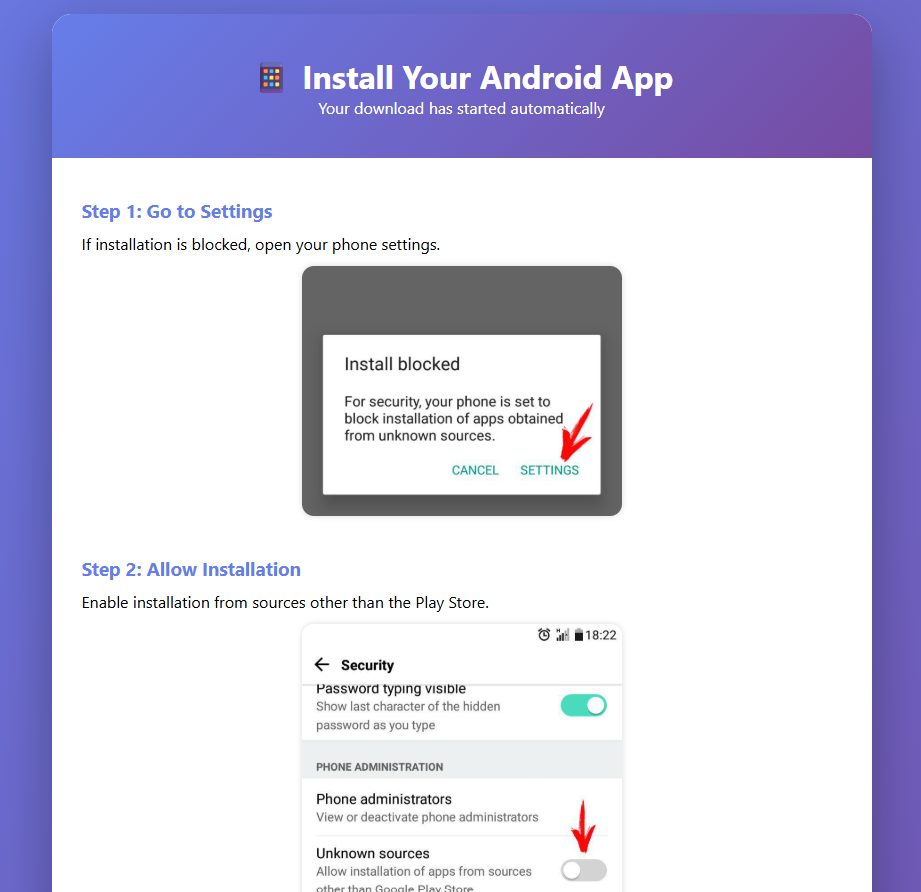
After creating your app, download the APK file for testing. Thoroughly test your app before publishing to make sure everything works as intended. Publish the AAB file directly on the Google Play Store. (Note that you'll need a...
Here are some must-have features for a chat app:
Preview the main builder tools users need to turn a website URL into a branded Android app: URL import, mobile preview, app design settings, push notifications, and APK/AAB generation.
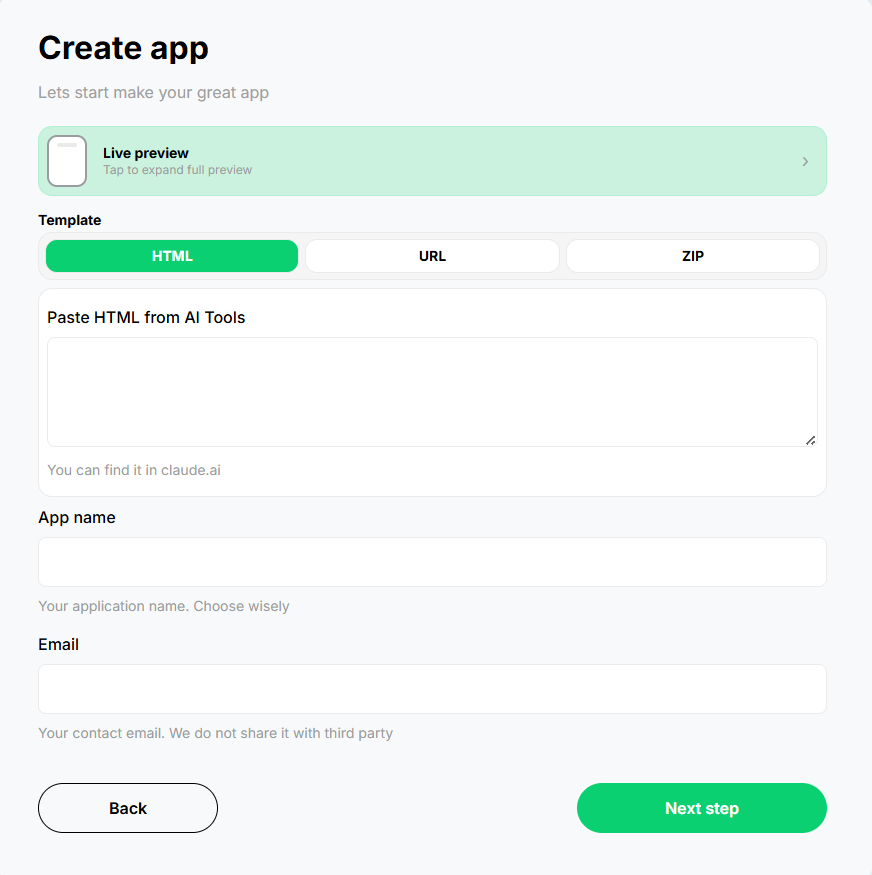
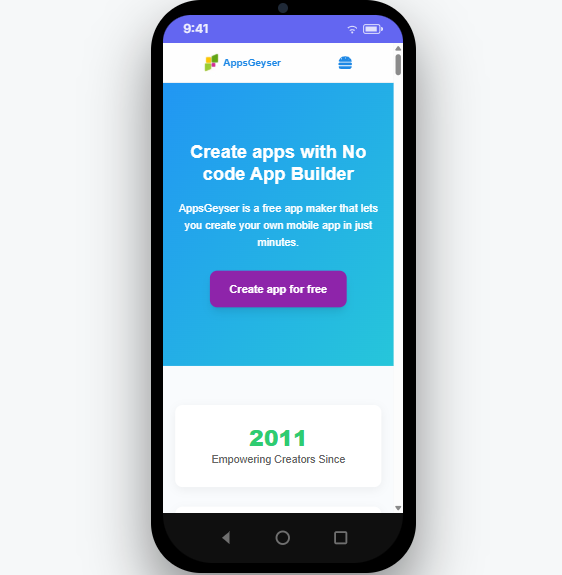
Use AppsGeyser to create, customize, test, and publish a mobile Android app for your Chat project.
Turn your existing Chat website or web project into an Android app.
Generate an APK for testing, sharing, and Android installation.
Create a mobile app without Android Studio or programming experience.
Prepare your app for Google Play publishing when your mobile experience is ready.
Add your app name, icon, colors, splash screen, and navigation style.
Send updates, offers, reminders, and important announcements to app users.
Use your live web content as the foundation for the Android app experience.
Install, preview, and test your first app version before publishing.
Created a project with Replit, Lovable, Bolt, Base44, V0, or another AI website builder? Publish your project, copy the public URL, and use AppsGeyser to generate an Android app.
A website-based Android app is often the fastest and most affordable way to launch a mobile presence when you already have a working website.
| Factor | AppsGeyser Website App | Custom Native Development |
|---|---|---|
| Launch time | Minutes to create and test the first app version. | Usually weeks or months depending on scope, design, and features. |
| Cost to start | Free to start with optional upgrades for advanced needs. | Requires a development budget, project management, and ongoing maintenance. |
| Coding skills | No coding, no Android Studio, and no mobile development experience required. | Requires Android/iOS developers or an agency team. |
| Content updates | Your live website remains the main content source for the app. | Many changes may require developer work and app updates. |
| Best for | Websites, blogs, stores, dashboards, MVPs, local businesses, and AI-built projects. | Complex apps with advanced native features or custom device integrations. |
A chat app provides a platform for instant and convenient communication, allowing users to exchange messages, multimedia, and files in real-time.
Take advantage of our user-friendly platform to develop your chat app with no need for coding expertise.
Benefit from continuous support and updates to ensure your app remains current and functional.
Implementing multiple monetization strategies, such as premium features, sponsored content, and in-app purchases, will be an excellent opportunity to generate and increase revenue.
Create an app that works seamlessly on both Android and iOS devices.
Customize the name, icon, colors, content, and mobile features so the app matches your idea and brand.
Create a reliable mobile app experience while keeping your existing website or app content as the source.
Customize your mobile app, generate APK/AAB, and prepare your Chat app for Google Play with AppsGeyser.
Answers to common questions about creating a Chat Android app with AppsGeyser.
AppsGeyser Creator is a tool for creating mobile apps without coding skills. You can build fully functional Android and iOS apps from your website or web content.
Converting your website into a chat app with AppsGeyser's builder is simple. All you need to do is provide the URL of your chat website, customize the app's design to match your brand, and test and publish it. Your chat app will then be ready for users to use.
AppsGeyser offers a free plan to create and share apps without any upfront costs. However, some additional features and services may incur additional charges.
Your app can earn money through various methods, including subscriptions, in-app purchases, and advertising. AppsGeyser offers tools and support to help you effectively implement these monetization strategies.
When you hire a mobile app development company or freelancer for your project, the cost can significantly burden your budget.