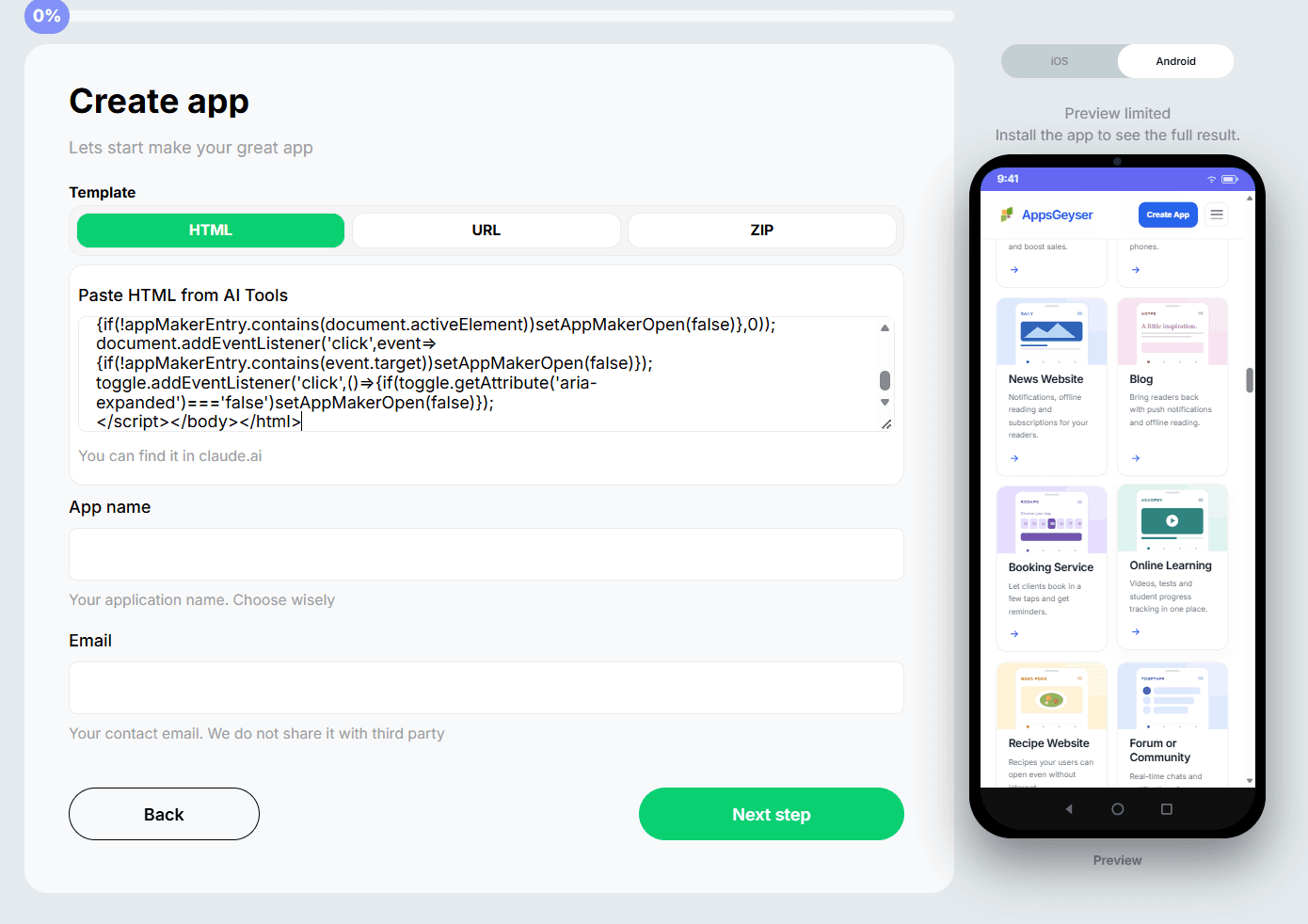
Add Your HTML Project
Choose the APK maker template and upload your HTML file, ZIP archive with web files, or paste a website URL if your HTML project is already published online.
 AppsGeyser
Use AppsGeyser as an APK maker to convert HTML into an Android app and download APK without coding.
Turn your HTML project into an Android APK in a simple no-code workflow. AppsGeyser helps you package HTML-based content into an installable mobile app without rebuilding it from scratch.
Choose the APK maker template and upload your HTML file, ZIP archive with web files, or paste a website URL if your HTML project is already published online.
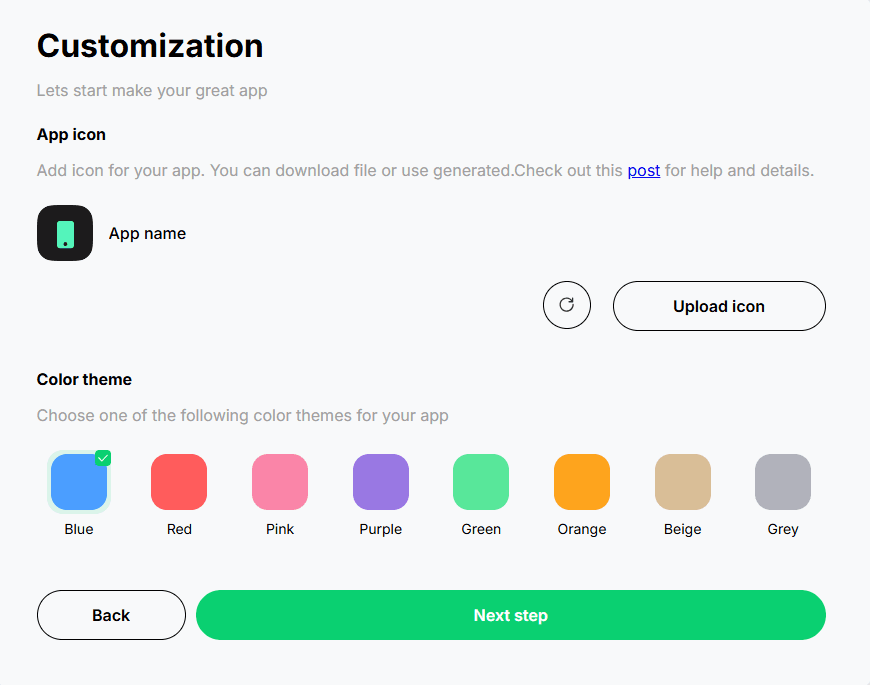
Add your app name, icon, colors, navigation, tabs, splash screen, and push notifications. You can adjust the app experience before generating the APK.
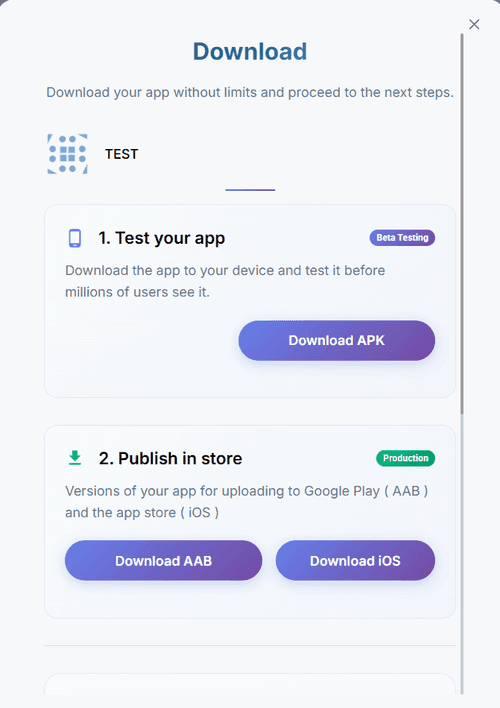
Create your Android app package, download the APK for testing on Android devices, or continue preparing the app for Google Play publishing.
Convert HTML to APK and get more than a simple file wrapper. AppsGeyser helps you turn HTML, CSS, JavaScript, images, and web content into a branded Android app package.
Preview the tools you need to convert HTML into an Android app: HTML source import, mobile preview, app design settings, Android features, and APK/AAB export.
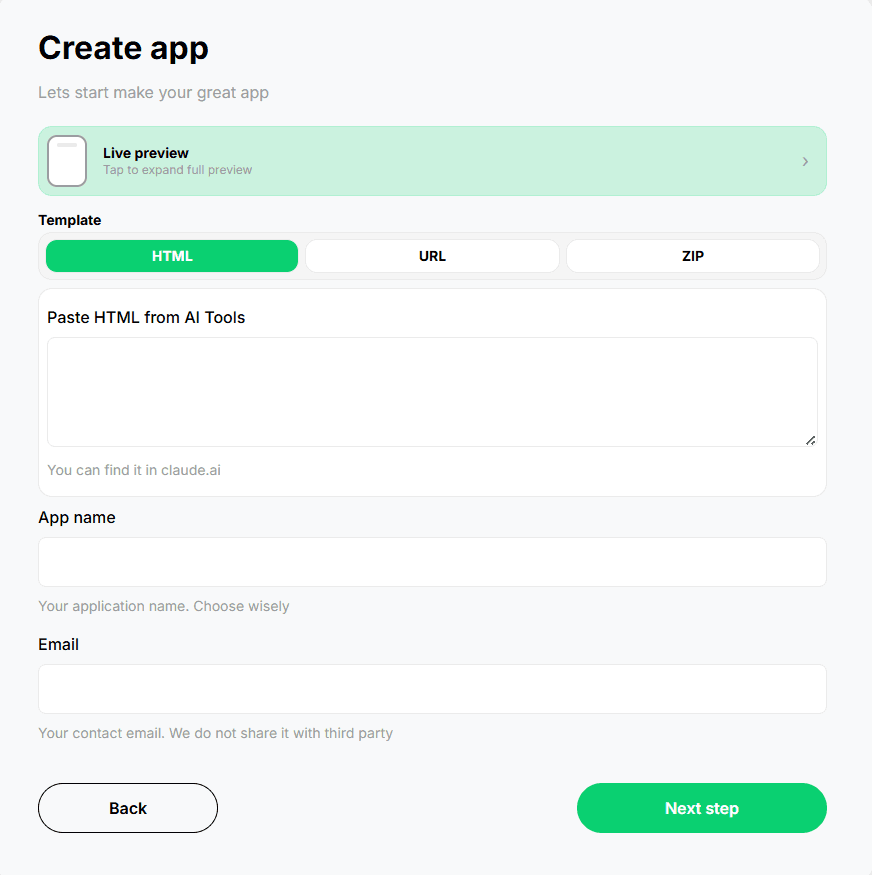
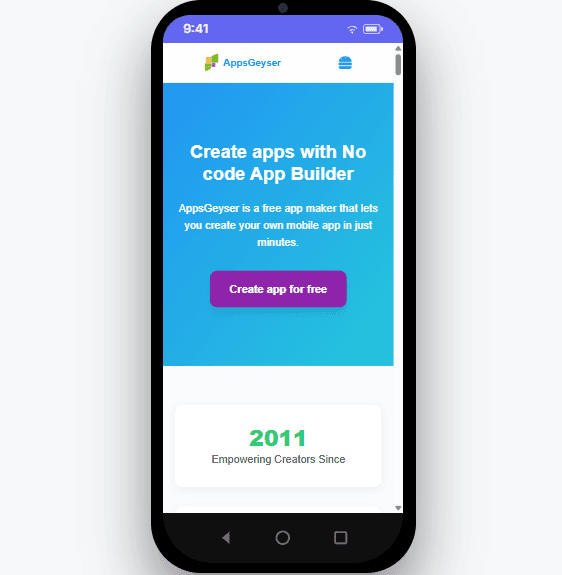
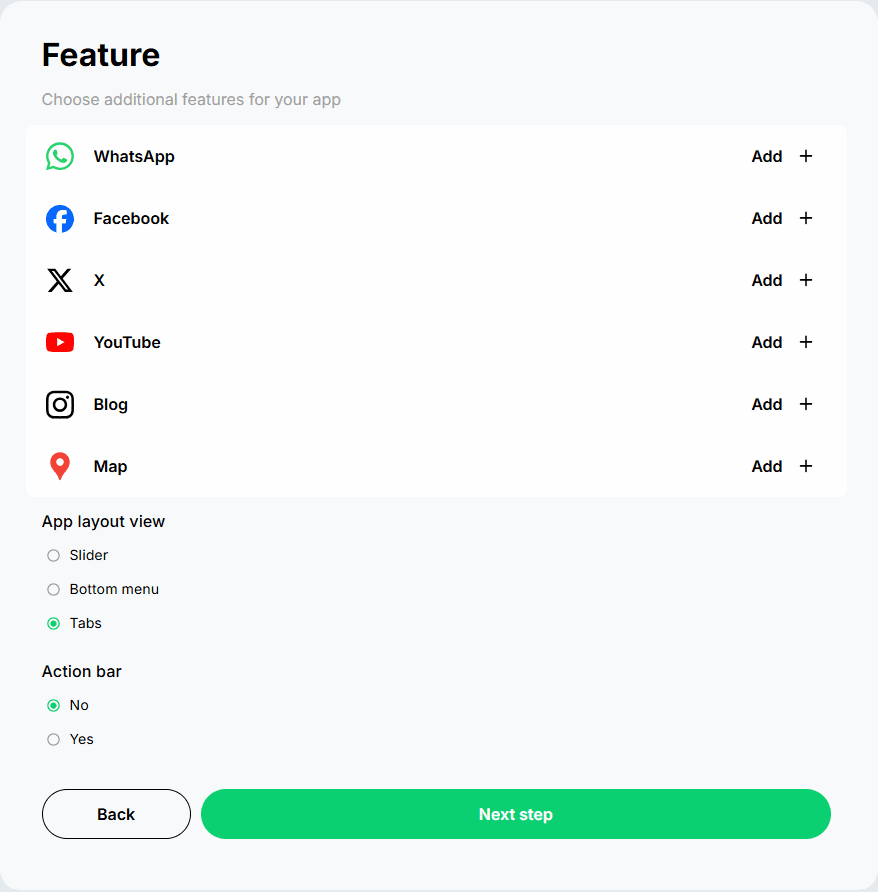
Use AppsGeyser to create, customize, test, and publish Android APK files from HTML-based projects and other web sources.
Convert an HTML file into an Android APK without rebuilding your project as a native mobile app. This is the main workflow for static pages, landing pages, simple tools, and HTML-based prototypes.
If your HTML project includes CSS, JavaScript, images, fonts, or other assets, package the files into a ZIP archive and use it as the source for your Android APK.
If your HTML project is already online, paste the website URL and turn it into an installable Android app that users can open from their Android home screen.
Generate an APK for testing, sharing, and Android installation. When the app experience is ready, review Google Play requirements, prepare your store listing, and continue with publishing.
Create an Android app package from HTML without Android Studio, native coding, SDK setup, or mobile development experience.
Add your app name, icon, colors, splash screen, and navigation style so your HTML-based APK looks like a branded Android app.
Send updates, reminders, offers, and important announcements directly to users after your HTML project becomes an Android app.
Install the APK on Android devices, test how your HTML content looks and works on mobile, and improve the app before release.
Created an HTML project, landing page, calculator, dashboard, or web app with Replit, Lovable, Bolt, Base44, V0, Cursor, or another AI tool?
Converting HTML to APK is often the fastest and most affordable way to create an Android app when you already have a working HTML project, web page, or ZIP archive with web files.
| Factor | AppsGeyser HTML to APK Maker | Custom Native Development |
|---|---|---|
| Launch time | Convert HTML to APK and test the first Android version in minutes. | Usually takes weeks or months depending on scope, design, and features. |
| Cost to start | Free to start, with optional upgrades for advanced needs. | Requires a development budget, project management, and ongoing maintenance. |
| Coding skills | No Android coding, Android Studio, Java, or Kotlin required. | Requires Android developers, iOS developers, or an agency team. |
| Content source | Start from an HTML file, ZIP archive, or live URL. | Content and features are usually built manually inside the app. |
| Best for | HTML pages, landing pages, JavaScript tools, AI-generated web apps, MVPs, and simple business apps. | Complex native apps with advanced logic, offline architecture, or device-specific integrations. |
An APK gives your HTML project a mobile app format. Users can install it on Android, open it from the home screen, and interact with your content as an app instead of only visiting it in a browser.
Convert HTML to APK without programming, native Android development, SDK setup, or manual APK compilation.
Use your existing HTML project instead of paying to rebuild the same content as a custom native Android app.
Package HTML, CSS, JavaScript, images, and other web assets into an Android app experience.
Create an APK, install it on Android devices, test your HTML content on mobile, and improve the app before release.
Start from an HTML file, ZIP archive, or live URL depending on how your project is stored.
Export your Android app package, test it on real devices, and prepare the app for Google Play when your HTML-based app is ready.
Turn your HTML project into an Android app with AppsGeyser. Customize the app, generate APK/AAB, test it on Android devices, and prepare your HTML-based app for sharing or Google Play publishing.
Answers to common questions about converting HTML files, ZIP archives, and URLs into Android APK files with AppsGeyser.
HTML to APK is the process of turning an HTML page, HTML project, or web files into an Android APK file that can be installed on Android devices.
Yes. AppsGeyser lets you convert HTML to APK without Java, Kotlin, Android Studio, or native mobile development. You can start with an HTML file, ZIP archive, or URL.
Yes. You can use AppsGeyser to turn an HTML file into an Android APK. If your project includes CSS, JavaScript, images, or other assets, you can use a ZIP archive.
Yes. If your HTML project includes multiple files, such as CSS, JavaScript, images, and fonts, you can upload them as a ZIP archive and create an Android APK.
Yes. If your HTML project or web app is already published online, you can paste the URL and create an Android APK from it.
Yes. After creating your app, you can export APK and test it on Android devices.
AppsGeyser helps you create the Android app package and prepare it for publishing. Google Play has its own requirements for app quality, privacy, content, store listing assets, and technical submission rules, so review them before publishing.
AppsGeyser lets you start creating Android apps for free. Optional features, publishing support, or advanced services may depend on your selected setup.