
How to turn a Lovable Web App to a Mobile App Without Coding
Lovable makes it easy to build and publish a web app fast. But once your product is live, the next question usually comes up quickly: how do you turn it into a mobile app people can open from their phones like a real app?
That’s where the simplest path begins.
Lovable publishes your project as a live web app. Its own documentation explains that for app-store publishing, users typically need to export code or use third-party tools that wrap the web app for mobile distribution.
For founders, creators, and small teams, that can feel like an unnecessary extra step.
If your Lovable app is already live and working well in a browser, you do not need to rebuild it from scratch to turn it into a mobile app. You can take the published URL of your project and convert it into an Android app with AppsGeyser in just a few steps.
In this guide, you’ll learn how to go from a Lovable web app to a mobile app without coding.
What Is Lovable?
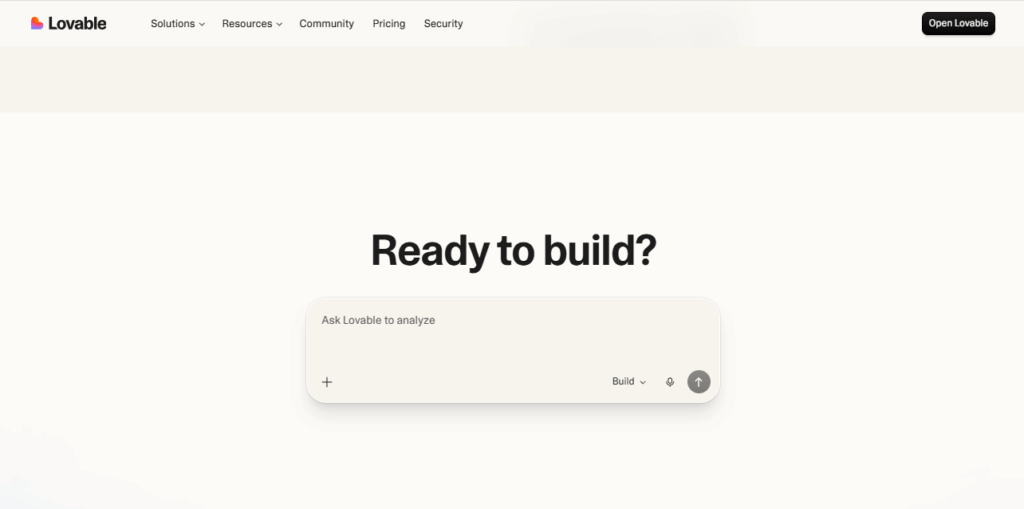
Lovable is an AI-powered platform for building web apps quickly. You describe what you want, generate the app, refine it, and publish it online. Once published, your project gets a live URL that you can share with users. Lovable ai also supports custom domains and manual republishing when you update the project.
That makes Lovable a fast way to launch a product idea, SaaS prototype, internal tool, directory, booking flow, dashboard, or customer-facing web app. But publishing on the web is not the same thing as having a mobile app in users’ phones or submitting an app build to Google Play.
Can Lovable Build a Mobile App Directly?
Not directly in the same way a traditional app builder does.
Lovable is primarily a web app creation and publishing platform. Its documentation explains that once your app is live, publishing to app stores usually requires an additional path, such as exporting the codebase or using an external service.
So if your goal is:
- to create an native app,
- to install your product like an Android app or iOs,
- to distribute it through Google Play or other app stores,
- or to give users a more app-like mobile experience,
then you need one more step after Lovable publishing.
That is exactly where AppsGeyser helps.
Why Convert a Lovable Web App to a Mobile App?
A live Lovable link is great for testing and sharing. But a mobile app can make your product easier to access and more convenient for users.
Here are the main reasons creators look for this conversion:
1. Faster access from the home screen
Users can open the app from their phone like a standard mobile application instead of typing or bookmarking a URL.
2. Better product perception
Even if the core product starts as a web app, packaging it as a mobile app often makes it feel more complete and more professional.
3. Easier Android distribution
Instead of sharing only a browser link, you can generate an app build and prepare it for Android-based distribution.
4. A smoother path to Google Play
If your end goal is store presence, converting the live web version into an app is much easier than rebuilding the same product again in another framework.
This is also the core angle used by other Lovable conversion tools: take an already working web experience and turn it into a mobile-ready app shell instead of starting over.
Before You Convert: Make Sure Your Lovable App Is Ready
Before turning your Lovable app into a mobile app, check that the live version is actually ready for mobile users. This step matters more than most people think.
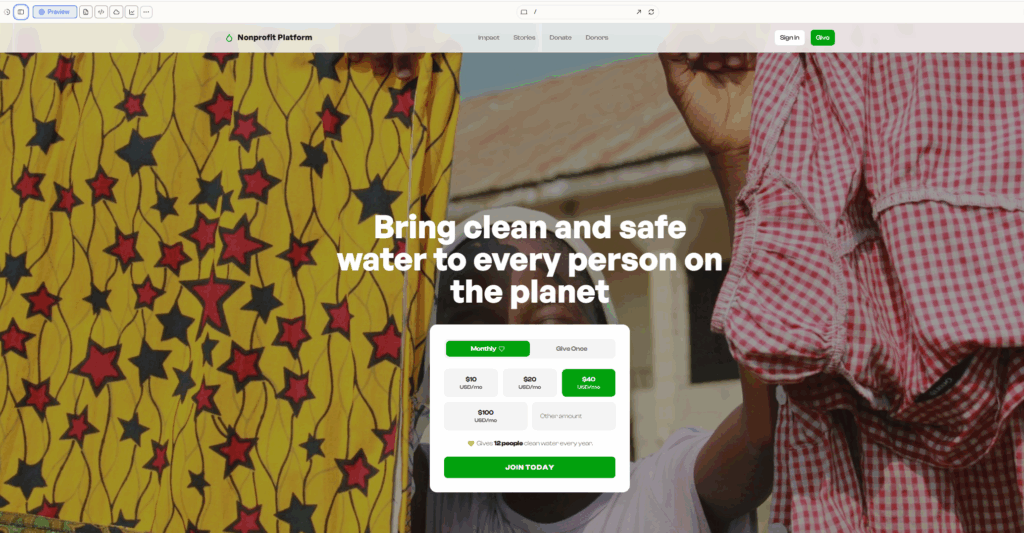
Your checklist before conversion
1. Publish the latest version
Lovable uses published snapshots, which means new changes are not always live until you republish them. Before converting, make sure your latest version is already published and visible on the live URL.
2. Test the app on a phone browser
Open your Web app on an actual mobile device and check:
- menu behavior,
- login flow,
- buttons,
- forms,
- scrolling,
- spacing,
- popups,
- checkout or booking flows.
If it feels broken in a mobile browser, it will not magically become better after conversion.
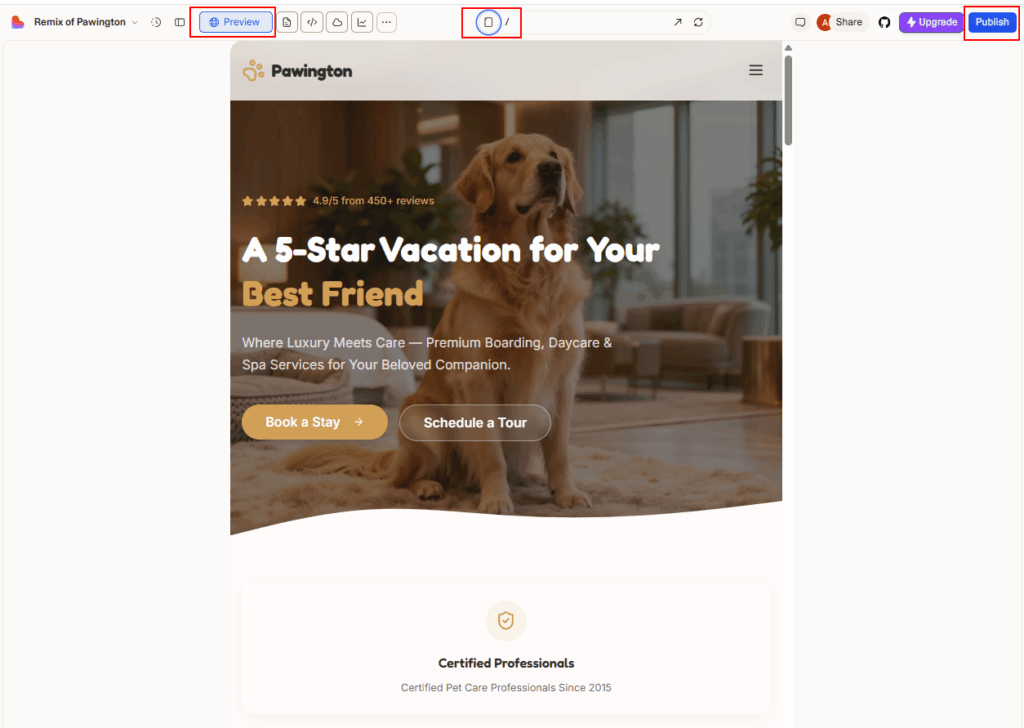
3. Use a stable URL
If possible, connect a custom domain to your Lovable project. Lovable supports this, and it can make your app look more polished and more trustworthy.
4. Make sure navigation is simple
Mobile users need clear navigation. If your app depends on hover effects, large desktop tables, or complicated layouts, improve that first.
5. Check your loading speed
A mobile app based on a web app still depends on the quality of the web experience. Clean up heavy images, unnecessary scripts, and anything that slows down the first load.
How to Convert a Lovable Web App to a Mobile App With AppsGeyser
Once your Lovable project is live and mobile-friendly, the conversion process is simple.
Step 1: Publish your app in Lovable
Open your project and publish the latest version. Make sure the live URL opens correctly and includes all recent updates.
Step 2: Copy your live app URL
Take the public link of your Lovable app. This is the URL AppsGeyser will use to generate your mobile app.
Step 3: Open the AppsGeyser Website App builder
Go to the AppsGeyser website app builder and choose the option to convert a website into an app. AppsGeyser is built specifically for no-code app creation, including turning an existing URL into an Android app.
Step 4: Paste your Lovable URL
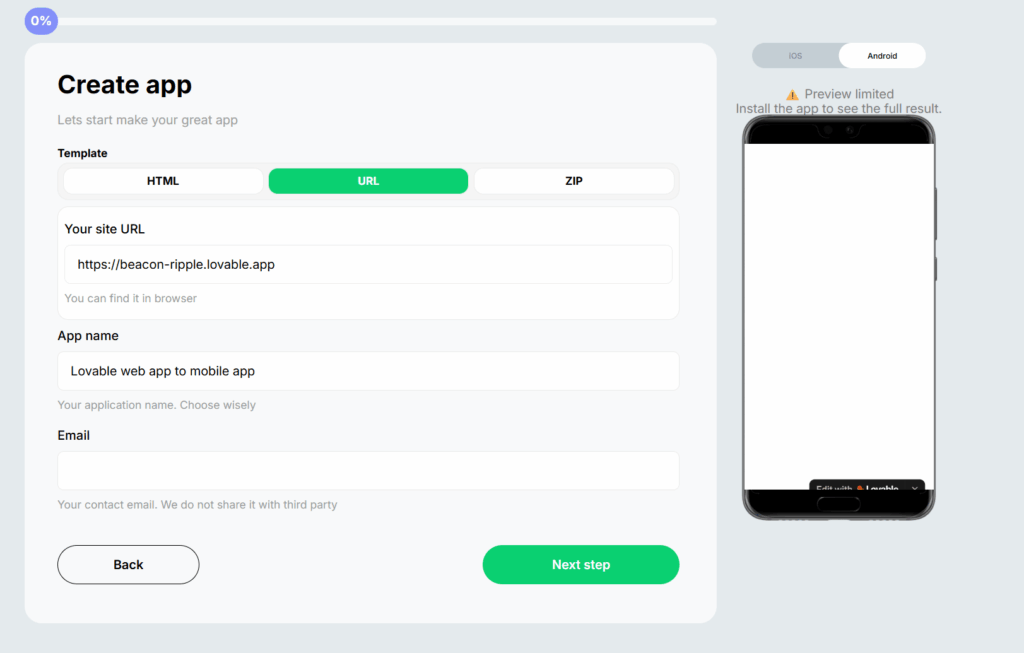
Insert the published Lovable link into the builder.
At this stage, you are telling AppsGeyser to use your live web app as the base for the mobile version.
After adding your Lovable URL, you may notice that the preview in the AppsGeyser builder is limited or not fully visible. This can happen with some Lovable links because the app may not render correctly inside the preview window. In that case, continue the setup as usual, generate the APK file, install it on your phone, and test the real appearance and functionality directly on the device.
Step 5: Add app details
Now customize the app setup:
- app name,
- icon,
- branding details.
This is important because your mobile app should look like a real product, not just a copied browser page.
Step 6: Generate the app
Once everything is configured, AppsGeyser creates the app build for you. Instead of rebuilding the whole project manually, you are packaging the existing Lovable experience into a mobile app format.
Step 7: Test the Android app
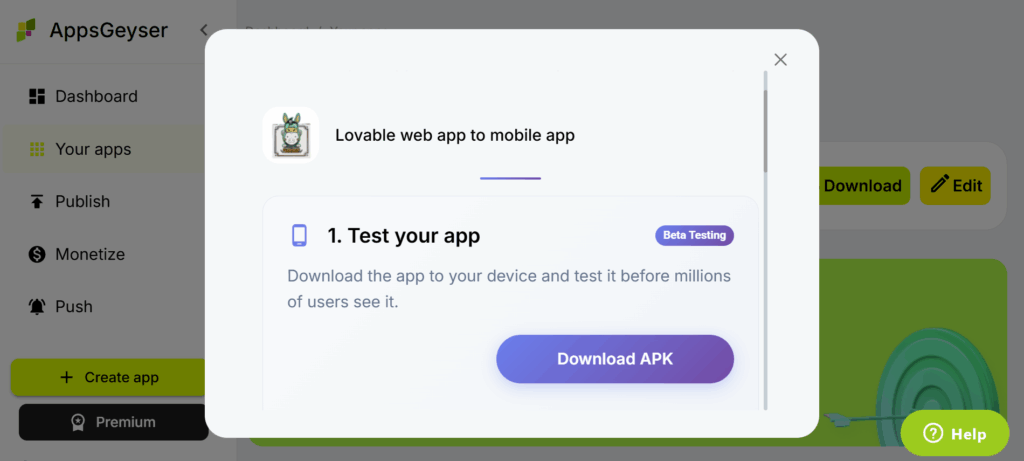
Install the generated build on an Android device and check:
- startup behavior,
- page loading,
- authentication,
- internal navigation,
- forms,
- profile/account areas,
- mobile-specific layout issues.
This is the moment to catch any practical UX problems before wider distribution.
Step 8: Prepare for Google Play publishing
If you want to publish the app publicly, the next step is Google Play submission. AppsGeyser provides a step-by-step publishing guide that walks users through the process.
What Types of Lovable Projects Can Be Converted?
This approach works especially well for projects such as:
- AI tools,
- calculators,
- client portals,
- online directories,
- booking apps,
- dashboards,
- service platforms,
- landing-page-based web apps,
- marketplaces,
- educational tools,
- internal business apps.
If the Lovable project already works well through a URL and is usable on mobile, it is usually a strong candidate for conversion.
Common Issues to Fix Before or After Conversion
Not every problem comes from the conversion itself. In many cases, the issue starts in the original web app.
Here are the most common things to review.
The layout looks too “website-like”
This usually means the Lovable app is not fully optimized for mobile screens yet. Simplify sections, reduce oversized blocks, and tighten spacing.
Login or redirect flows break
Authentication flows sometimes depend on redirects, cookies, or external auth providers. Test the full login process on a real Android device.
Forms are hard to use
Long forms may need better spacing, larger input fields, simpler steps, or less text on small screens.
You changed the Lovable app but do not see updates
Check whether you republished the latest Lovable snapshot. Lovable requires manual publish actions for updates to appear live.
The domain looks temporary or unbranded
Connect a custom domain in Lovable first if you want a cleaner and more professional setup.
Final Thoughts
Lovable helps you launch fast. AppsGeyser helps you take that live product and turn it into a mobile app without starting over. If your app is already working in Lovable and your main goal is to make it accessible as an Android app, the simplest workflow is:
Lovable project → publish live URL → convert with AppsGeyser → test on Android → prepare for Google Play
That means less rebuilding, less technical overhead, and a much faster route to getting your product into users’ hands.
FAQ
Can I convert a Lovable web app to a mobile app without coding?
Yes. If your Lovable app is published and has a public URL, you can use a no-code tool like AppsGeyser to turn that live web app into an Android app.
Does Lovable publish directly to Google Play or the App Store?
Lovable primarily publishes web apps. Its documentation points users toward export-based or third-party solutions for app-store publishing workflows.
Do I need a custom domain before converting my Lovable app?
Not always, but it is recommended. A custom domain makes the app look more professional and gives you a cleaner branded URL. Lovable supports custom domains.
What should I test before converting?
Test responsiveness, navigation, forms, login, and overall usability on a real mobile device. Also make sure the latest snapshot is published in Lovable.
Can I publish the converted app on Google Play?
Yes, that is one of the main reasons to convert a live web app into a mobile app. AppsGeyser also provides guidance for the Google Play publishing process.
Can I also get an iOS version of my Lovable app?
Yes. AppsGeyser is a simple way to convert a published Lovable web app into an Android app. If you also need an iOS version, iOS app conversion can be ordered separately on request.