
How to Convert a Website to APK for Free
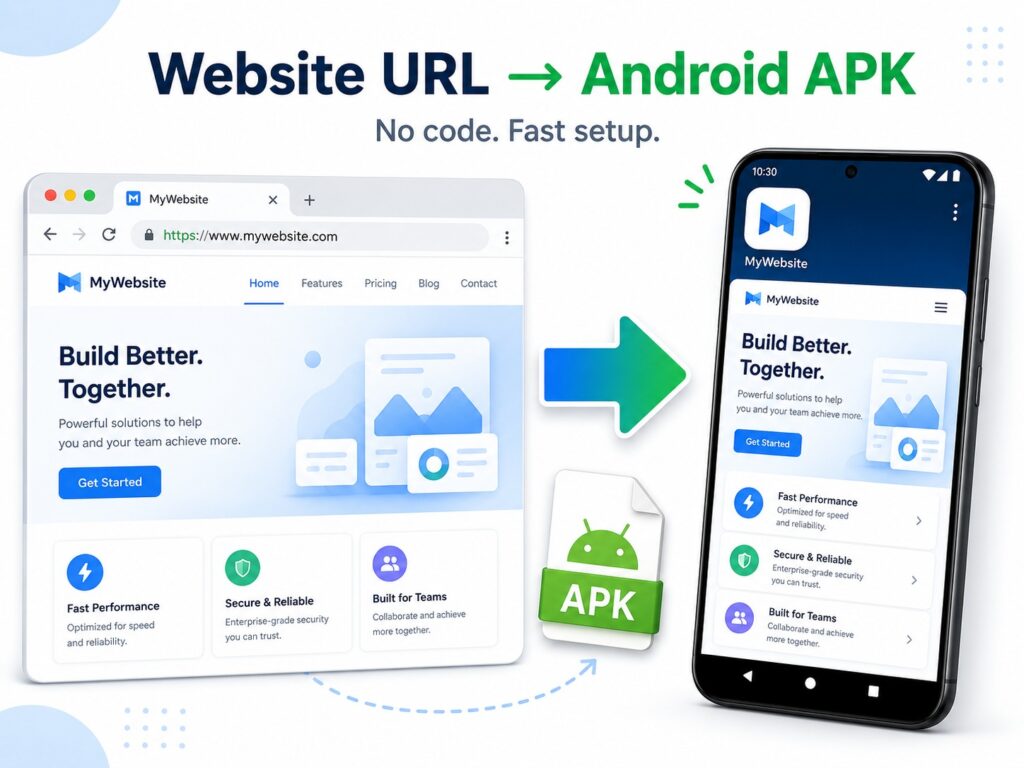
Need to turn your website into an Android APK without coding? AppsGeyser lets you convert a live website URL into an Android app package, download the APK, install it on a phone, and test your website as a real mobile app.
This guide is focused specifically on website to APK conversion. That means the goal is simple: take your website URL and create an Android APK file from it.
If you want a broader guide about turning a website into a full mobile app experience with push notifications, branding, publishing options, and app features, read our guide on how to convert your website into a mobile app
What Is a Website to APK Converter?
A website to APK converter turns a website URL into an Android application package. Instead of opening your site through a browser, users can install the APK and launch your website from the Android home screen like a regular app.
This approach is useful when your website is already mobile-friendly and you want to create an Android app quickly. It can work for business websites, WordPress blogs, online stores, dashboards, directories, booking pages, news sites, and other web-based projects.
Technically, many website apps use Android WebView, which is a component designed to display web content inside an Android app. Android Developers describe WebView as a way to display web pages and handle web-based content inside an app.
Website to APK vs Website to Mobile App
These two phrases are close, but they do not mean exactly the same thing.
Website to APK means you mainly want an Android installation file. The focus is on converting a website URL into an APK, downloading it, testing it, and preparing it for Android use.
Website to mobile app is a wider process. It can include branding, push notifications, app navigation, monetization, app store publishing, analytics, and possibly iOS support.
Use this guide if your goal is:
website URL → Android APK file
Use the broader guide if your goal is to convert your website into a mobile app as a long-term mobile channel for your business or audience.
If your website was created with an AI website builder, AI coding tool, or no-code platform, you can still use the same website-to-APK workflow as long as the project has a public URL and works well on mobile devices. For a broader comparison of tools that help users create apps with AI, see our guide to the best no-code AI app builders.
What You Need Before Creating an APK
Before you start, prepare a few basic items.
You need:
- a live website URL;
- an app name;
- an app icon;
- a mobile-friendly website design;
- HTTPS enabled on your website;
- access or permission to use the website inside an app.
The permission point is important. Google Play’s spam policy says apps should not primarily provide a WebView of a website without permission from the website owner or administrator.
Before creating a public app, make sure you are converting your own website, your client’s website, or a website you are authorized to use.
How to Convert Website URL to APK with AppsGeyser
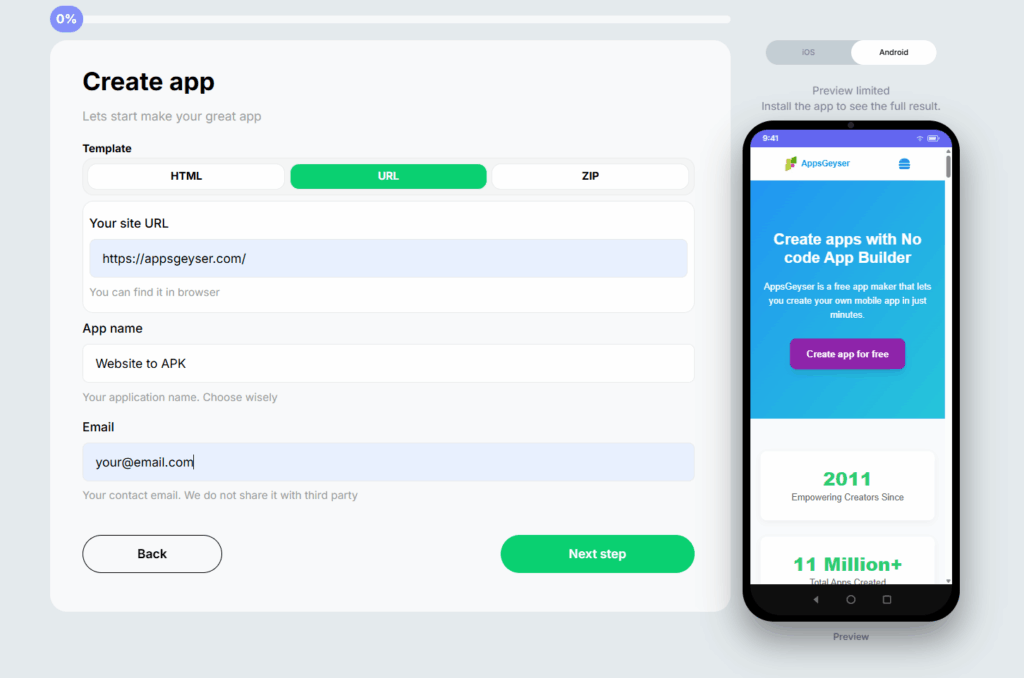
Step 1. Open the Website App Template
Start with the AppsGeyser Website App template. It is designed for website owners who want to create an Android app from an existing URL without Android Studio, Java, Kotlin, or manual mobile development.
Step 2. Paste Your Website URL
Copy your website address and paste it into the builder. Use the full URL, including https://.
For example: https://example.com
Do not use private preview links, local development URLs, staging pages, or admin-only URLs unless your users will also have access to them.
Step 3. Check the Mobile Version of Your Website
Your APK will depend heavily on your mobile website. If the site is difficult to use on a phone, the app will feel difficult too.
Check:
- mobile menu;
- font size;
- buttons;
- forms;
- login pages;
- checkout pages;
- cookie banners;
- pop-ups;
- loading speed;
- image size;
- internal links.
Android Developers recommend using mobile-friendly web design practices for web apps, including mobile redirects where needed, HTML5 for mobile devices, and viewport metadata for proper resizing.
Step 4. Add App Name and Icon
Enter the app name users will see on their Android device. Then upload your app icon.
Use a clean square icon. Avoid small text, too many details, or low-contrast graphics. The icon should still be recognizable when displayed at a small size on the home screen.
Step 5. Customize App Settings
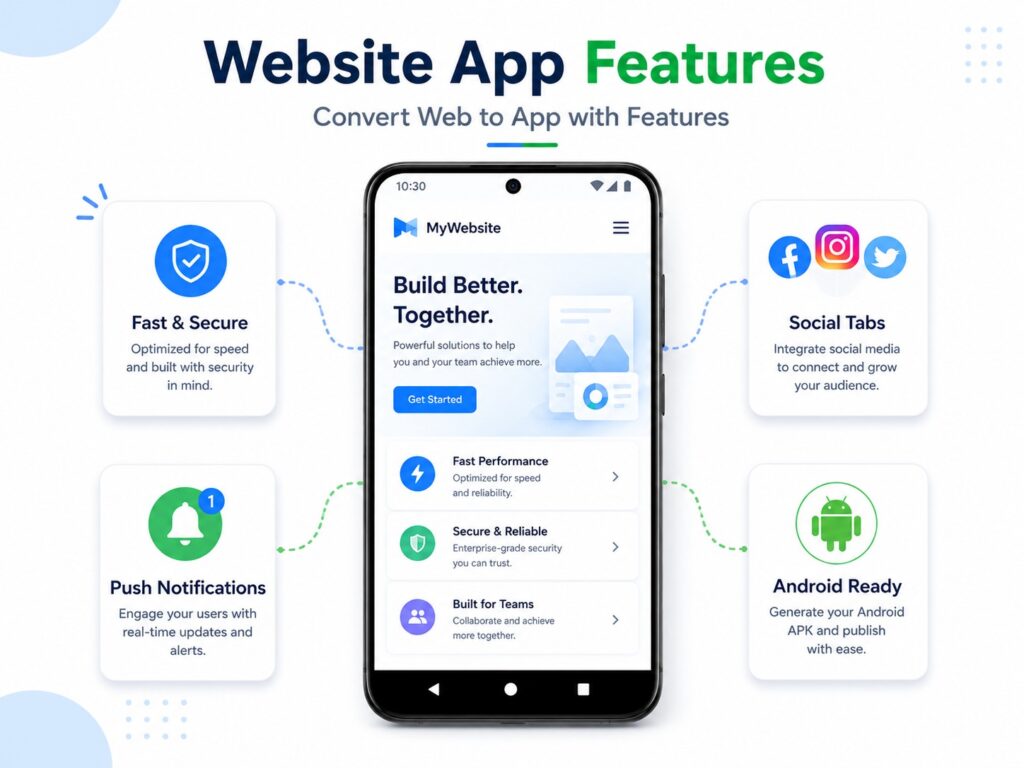
Depending on your project, you can add useful elements such as:
- app navigation tabs;
- contact link;
- social media links;
- blog link;
- support page;
- store page;
- monetization options;
- push notifications, if available for your app setup.
These features help make the app more useful than a simple shortcut to a website.
Step 6. Generate and Download the APK
After setup, generate your Android app and download the APK file.
The APK can be installed on an Android device for testing. This is useful before publishing, sharing the app with users, or preparing store assets.
Step 7. Install and Test the APK on Android
Install the APK on a real Android phone and test it as a normal user.
Check:
- Does the app open correctly?
- Does the homepage load?
- Do menus work?
- Does login work?
- Do forms submit?
- Does checkout work?
- Do internal links stay inside the app where expected?
- Do external links behave correctly?
- Does the app crash or freeze?
Google Play requires apps to provide a stable, responsive, and engaging user experience. Apps that crash, do not load, lack basic utility, or behave abnormally may violate Google Play’s functionality and user experience requirements.
APK vs AAB: Which File Do You Need?
An APK is useful for installing and testing an Android app directly on a device. Many website owners first want an APK because it is easy to download, test, and share.
However, for publishing new apps on Google Play, Android App Bundle, or AAB, is the required publishing format for new apps. Android Developers state that from August 2021, new apps are required to publish with Android App Bundle on Google Play.
A simple workflow looks like this:
- Create your website app.
- Download and test the APK.
- Fix website or app issues.
- Prepare publishing assets.
- Use the required publishing format for Google Play.
So, APK is useful for testing and direct installation, while AAB is important for Google Play publishing.
Can You Publish a Website APK on Google Play?
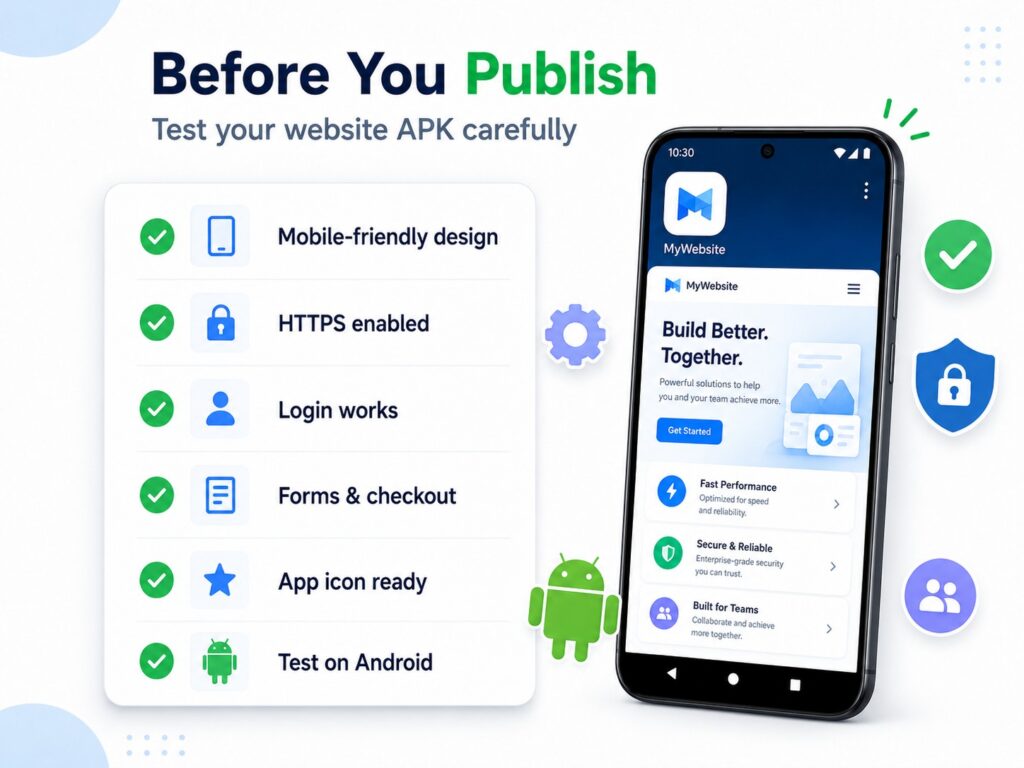
Yes, but the app must provide a useful, stable mobile experience.
Before publishing, make sure your app has:
- a clear purpose;
- working navigation;
- mobile-friendly pages;
- no broken forms;
- no broken login flow;
- no empty or low-value screens;
- a privacy policy;
- proper app icon and screenshots;
- app description that matches the app experience;
- permission to use the website inside the app.
A website app should not feel broken, unfinished, or misleading. Google Play’s policy says apps that crash, lack basic utility, or do not provide a stable and engaging experience are not allowed.
If your app mainly displays a website, add real value where possible: better navigation, push notifications, direct access to important sections, contact options, or app-specific user convenience.
Read more: How to Publish Your App
Best Websites to Convert to APK
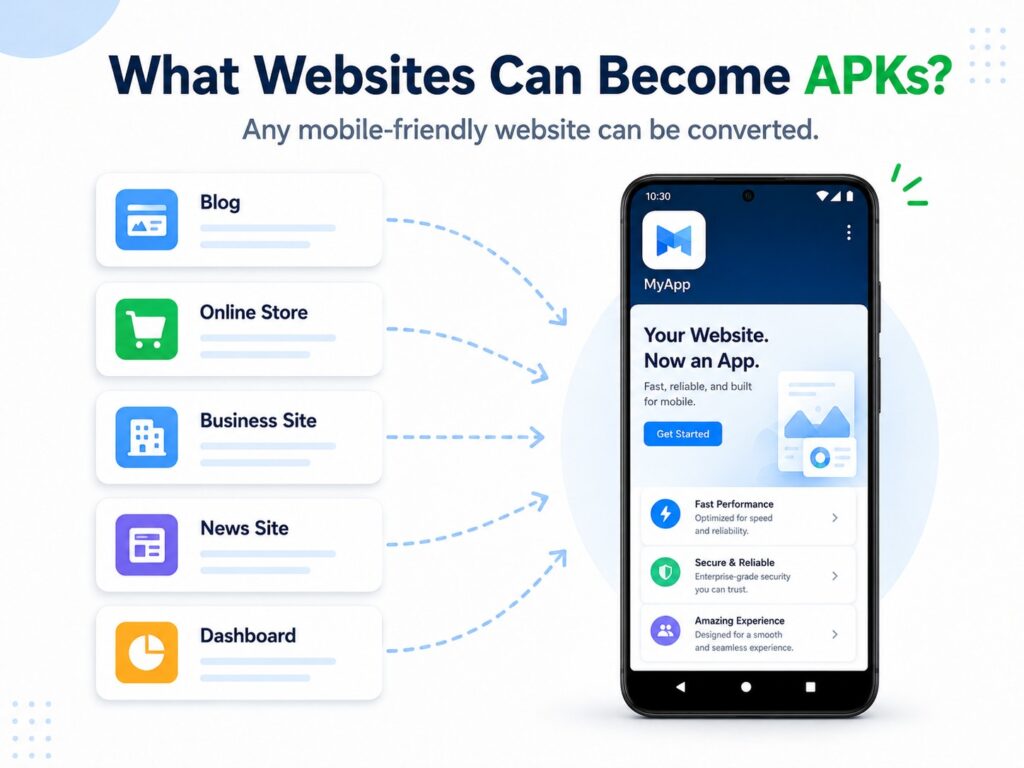
Website to APK conversion works best when the website already performs well on mobile.
Good examples include:
WordPress Blogs
A WordPress blog can become an Android app for readers who want quick access to new posts, categories, and updates.
Online Stores
Shopify, WooCommerce, and other eCommerce websites can be converted into Android apps if product pages, cart, login, and checkout work well on mobile.
Business Websites
Service businesses can use an app for contact forms, booking pages, service descriptions, pricing pages, and customer support.
Read our article How to create an app for your business
News and Magazine Websites
News websites can benefit from repeat visits, app icon visibility, and push notifications for new stories.
Web Dashboards and Tools
Dashboards, calculators, simple SaaS tools, and internal portals can be packaged into APKs if they are responsive and accessible through a public or authorized URL.
HTML or ZIP-Based Websites
If your project is built from HTML files, you may also need a more specific guide on how to convert HTML to APK.
Common Website to APK Problems and Fixes
The Website Does Not Load in the App
Check whether the URL is correct, public, and available over HTTPS. Also check whether your website blocks WebView traffic, has strict security headers, or redirects users incorrectly.
The App Looks Bad on Mobile
The app displays your website, so mobile design matters. Fix responsive layout issues before generating the final APK.
Login Does Not Work
Some login systems use third-party pop-ups, redirects, or authentication flows that may behave differently inside an app. Test login on a real Android device before publishing.
Forms or Checkout Do Not Work
Test all forms and checkout steps in a mobile browser first. If the flow does not work well on mobile web, it will probably not work well inside the app.
External Links Open Unexpectedly
Review your internal and external links. Decide which links should open inside the app and which should open in an external browser.
Google Play Rejects the App
Check whether the app has enough value, works correctly, and follows Google Play requirements. Broken functionality, limited utility, and unauthorized WebView usage are common risk areas.
Website to APK Converter vs Other Options
| Option | Best For | Pros | Cons |
|---|---|---|---|
| AppsGeyser Website to APK | Website owners, small businesses, bloggers | No coding, fast APK creation, beginner-friendly | Works best when the website is mobile-friendly |
| Android Studio | Developers | Full control over the app | Requires coding and Android development skills |
| PWA | Browser-first projects | Lightweight, app-like browser experience | Not the same as an APK |
| Custom Native App | Complex products | Best performance and native features | Expensive and time-consuming |
| Basic Online Converters | Quick experiments | Simple URL-to-APK flow | May lack features, support, or publishing guidance |
FAQ: Website to APK
How do I convert a website to APK?
Use the AppsGeyser Website App template, paste your website URL, add your app name and icon, generate the app, and download the APK file.
Can I convert a website URL to APK without coding?
Yes. AppsGeyser lets you create an Android APK from a website URL without Android Studio or programming.
Is website to APK conversion free?
You can create a website-based Android app with AppsGeyser for free. Some additional services or advanced options may depend on your app needs.
Can I convert a WordPress website to APK?
Yes. If your WordPress website is live, public, and mobile-friendly, you can convert it into an Android APK.
Can I convert a Shopify or WooCommerce store to APK?
Yes. Make sure your product pages, cart, account pages, and checkout work properly on mobile before publishing the app.
What is the difference between APK and AAB?
APK is commonly used for Android app installation and testing. AAB is the required format for publishing new apps on Google Play since August 2021.
Can I publish a website APK on Google Play?
Yes, but the app must be stable, useful, and compliant with Google Play policies. It should not be broken, empty, misleading, or an unauthorized WebView of someone else’s website.
Will my website updates appear in the APK?
In most cases, if the app loads your live website, updates made on the website can appear inside the app without rebuilding the entire app.
Do I need Android Studio?
No. AppsGeyser lets you create an Android app from your website without Android Studio.
Can I create an iOS app from the same website?
This guide focuses on Android APK. For a broader app strategy, read our guide on how to convert your website into a mobile app.
Conclusion
Converting a website to APK is one of the fastest ways to create an Android app from an existing website. You can use your website URL, add an app name and icon, generate an APK, and test it on a real Android device without coding.
For best results, make sure your website is mobile-friendly, secure, fast, and useful. If you plan to publish the app, also check Google Play requirements and prepare a complete app store listing.