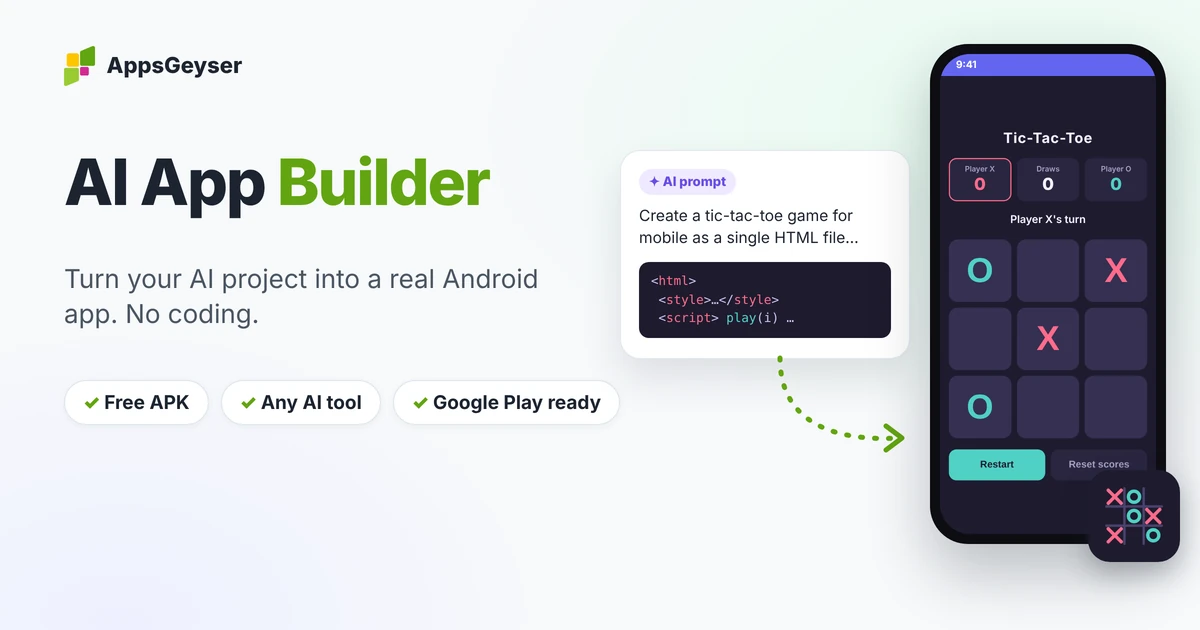
AppsGeyser turns apps you build with AI into real Android apps, for free. Build your app with ChatGPT, Claude, Lovable or any AI tool you like, then upload the HTML code, a ZIP file or a link to AppsGeyser. In a few minutes you get an Android app (APK) that you can install, share or publish on Google Play. No coding and no Android Studio required.
- Free account, free APK download
- Works with code from any AI tool
- Android APK in minutes, iOS on request
Already have a website? Turn it into an app in the same way.
How to Make an App with AI in 4 Steps
- Create your app with AI. Ask ChatGPT, Claude, Lovable or another AI tool to build your app as a web project: HTML, CSS and JavaScript. Describe what it should do, test it in the browser, and refine it until you like it.
- Upload it to AppsGeyser. Paste the HTML code, upload a ZIP with your project files (index.html plus CSS, JS and media), or enter the URL where your app is hosted. Prefer a dedicated converter? Use our HTML to APK converter.
ZIP files must contain an HTML web project. Native projects in Kotlin, Flutter or React Native are not converted. - Customize your app. Give the app a name, upload an icon, pick a color theme and add optional features such as social links or a bottom menu. A phone preview shows the result as you go.
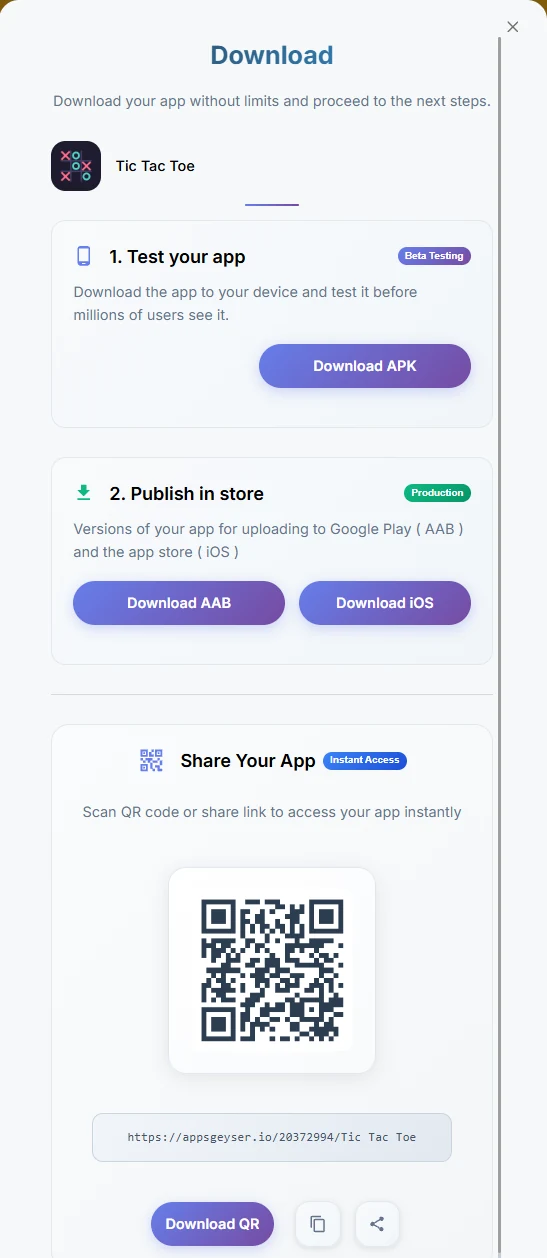
- Download your app. Sign up for a free account, then download the APK to test on your phone, the AAB file for Google Play, or share the app with a QR code.
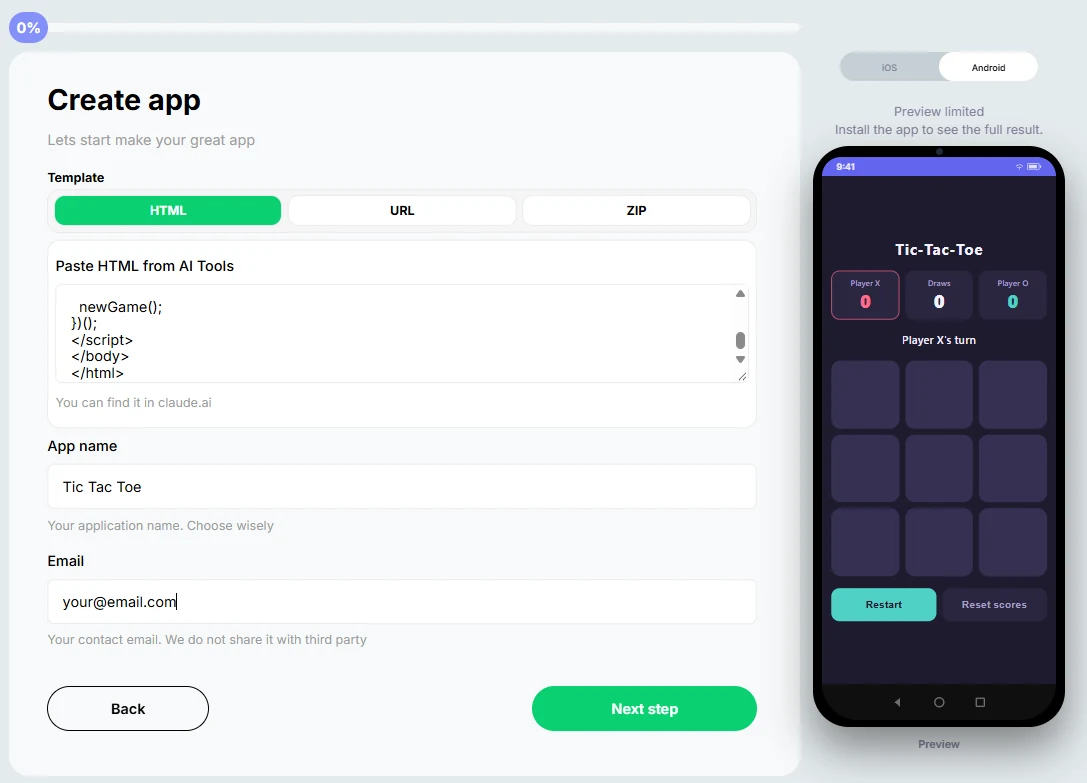
Want to see every screen? Follow our step-by-step tutorial with screenshots, where we build a game with Claude and turn it into an Android app.
Works with the AI Tools You Already Use
AppsGeyser does not lock you into one AI generator. If your AI tool can produce a web app, AppsGeyser can turn it into an Android app.
| AI tool | How to bring your app to AppsGeyser |
|---|---|
| ChatGPT | Ask for a single-file HTML app, copy the code and paste it into AppsGeyser |
| Claude | Ask for an HTML app, download or copy it, then paste the code or upload a ZIP |
| Lovable | Publish your project and use its link, or export the build as a ZIP |
| Replit | Run your web app and use its public URL, or download the project files |
| Gemini and other assistants | Any tool that outputs HTML, CSS and JavaScript works the same way |
Example prompt to get started
Create a simple tic-tac-toe game for mobile phones as a single HTML file with inline CSS and JavaScript. Use large touch-friendly buttons, a score counter and a restart button. It should work offline.
Paste the result into AppsGeyser, add an icon, and your game is an Android app.
Tips for AI-generated apps
- Ask for one file. “A single HTML file with inline CSS and JavaScript” is the easiest format to convert.
- Design for touch. Ask for large buttons and a layout made for phone screens.
- Make it work offline. Ask the AI not to load fonts, scripts or images from the internet.
- Keep secrets out of the code. Never paste API keys into an app; keep it self-contained.
- Test before you convert. Check the app in the AI tool’s preview or your browser first.
Something not working? See the troubleshooting guide.
What You Can Build with AI and AppsGeyser
Games
Puzzles, quizzes, arcade and board games generated by AI and packaged as an Android app.
Website apps
Turn your blog, online store or business site into an app your customers can install.
Tools and calculators
Converters, planners, habit trackers and other small utilities.
Portfolios and personal pages
Show your work in an app you can share with a link.
Learning and content apps
Courses, guides, recipe collections and e-books.
If it runs in a browser, it can become an app.
What’s Free and What’s Premium
You can create your app and download the APK and AAB files for free with a free account. Premium plans start at $9.83 per month, billed yearly.
| Feature | Free | Premium |
|---|---|---|
| Create an app from HTML, ZIP or URL | Yes | Yes |
| Download APK and AAB files | Yes | Yes |
| Share with a QR code or link | Yes | Yes |
| No AppsGeyser banner | — | All plans |
| Monetization | — | 50/50 (Starter), full (Individual, Master) |
| No-ads option | — | Individual, Master |
| Push notifications | — | Individual, Master |
| Deep analytics (Firebase) | — | Individual, Master |
| Edit and customize the app later | — | Master |
| iOS version | Paid add-on, on request | |
Need an iPhone version?
AppsGeyser can build an iOS version of your app on request. It is published under your own Apple Developer account, and our team handles the App Store submission for you.
AppsGeyser vs AI App Generators: Which One Do You Need?
AI app generators write the app for you. AppsGeyser turns what you built into a real Android app. Many people use both: an AI tool for the idea and the code, and AppsGeyser for the APK.
| AI app generators | AppsGeyser | |
|---|---|---|
| What it does | Generates app code from your prompt | Converts your web app, code or site into an Android APK |
| Where your app runs | Usually in the browser or on their hosting | Installed on Android phones as an APK |
| Which AI you can use | Only their built-in model | Any AI tool: ChatGPT, Claude, Lovable, Replit and more |
| Google Play | Often needs extra steps or paid plans | Get an AAB file ready for Google Play |
| Price to start | Varies | Free |
Built your app with AI already? You are one step away from having it on your phone. Looking for other options? See all ways to make an app with AppsGeyser.
Frequently Asked Questions
Is the AI app builder free?
Yes. You can create your app and download the APK and AAB files for free with a free AppsGeyser account. Free apps show an AppsGeyser banner; Premium plans remove it and add push notifications, analytics and app editing.
Do I need to know how to code?
No. An AI tool writes the code for you, and AppsGeyser handles the Android part. You only copy, paste or upload.
Does AppsGeyser generate the app with AI itself?
No. You create the app in the AI tool of your choice, such as ChatGPT, Claude or Lovable. AppsGeyser turns that result into a working Android app.
Which AI tools work with AppsGeyser?
Any tool that produces a web app in HTML, CSS and JavaScript. That includes ChatGPT, Claude, Gemini, Lovable and Replit.
What files can I upload?
HTML code, a ZIP file with your web project (index.html plus CSS, JS and media), or the URL of a live site. Native projects in Kotlin, Flutter or React Native are not converted.
Can I publish my app on Google Play?
Yes. Download the AAB file and upload it with your own Google Play developer account, or use the AppsGeyser Turnkey Publishing service.
Can I make an iPhone app too?
Yes, an iOS version is available on request as a paid add-on. It is published under your own Apple Developer account.
How long does it take?
Building the APK takes a few minutes once your AI project is ready.
Build Your App with AI Today
You bring the idea and the AI tool. AppsGeyser turns it into an Android app, for free and in minutes.
Create Your App Free