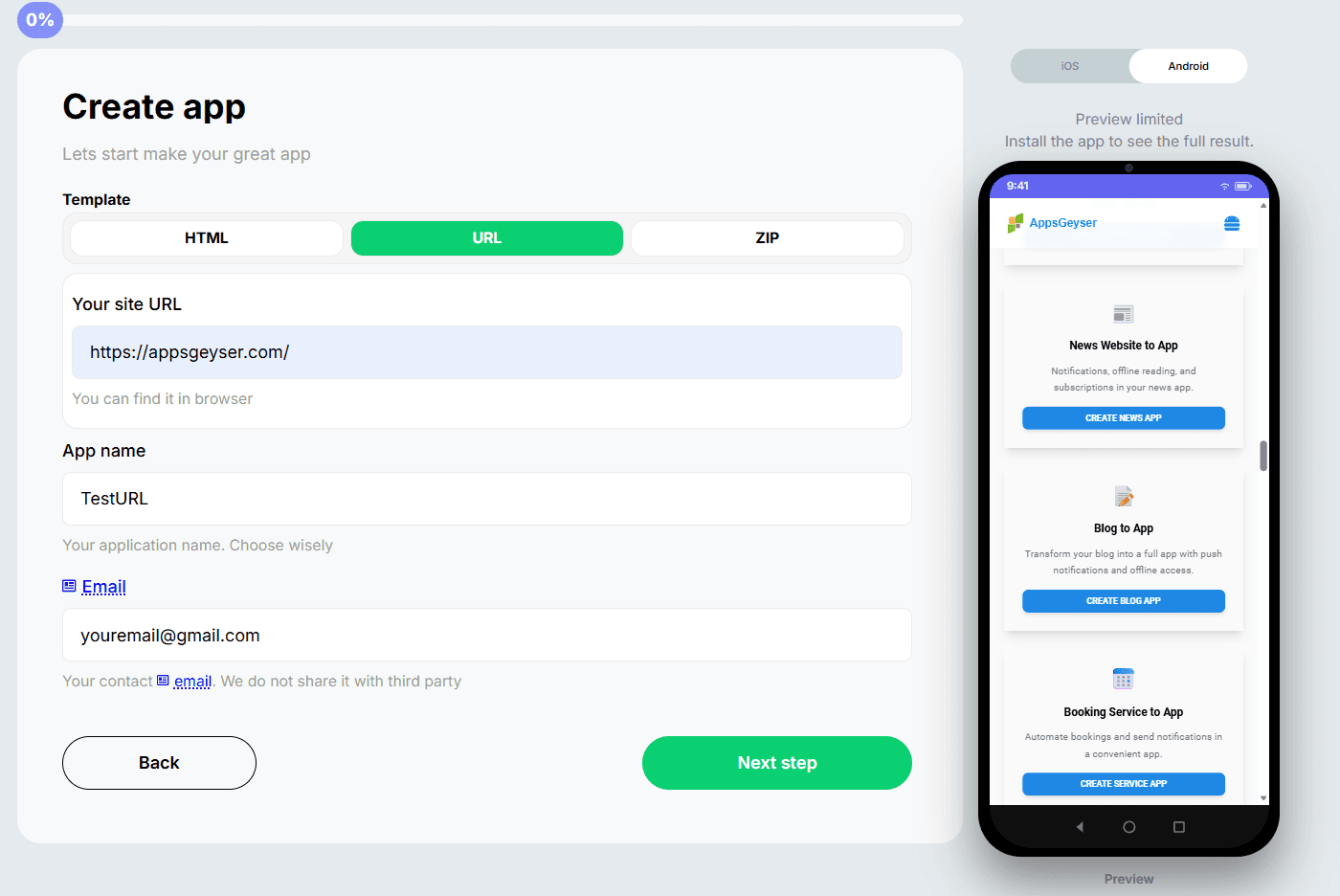
Enter Your Website URL
Paste the public URL of your website, blog, store, dashboard, or web app. AppsGeyser uses your existing site as the foundation for the mobile app.
 AppsGeyser
Use AppsGeyser as a website to app converter to turn your website into an Android app for free. Add push notifications, customize your app, generate APK/AAB, and publish on Google Play.
 AppsGeyser
Create an Android app from your website URL in three simple steps. AppsGeyser keeps the process visual, beginner-friendly, and fast.
Paste the public URL of your website, blog, store, dashboard, or web app. AppsGeyser uses your existing site as the foundation for the mobile app.
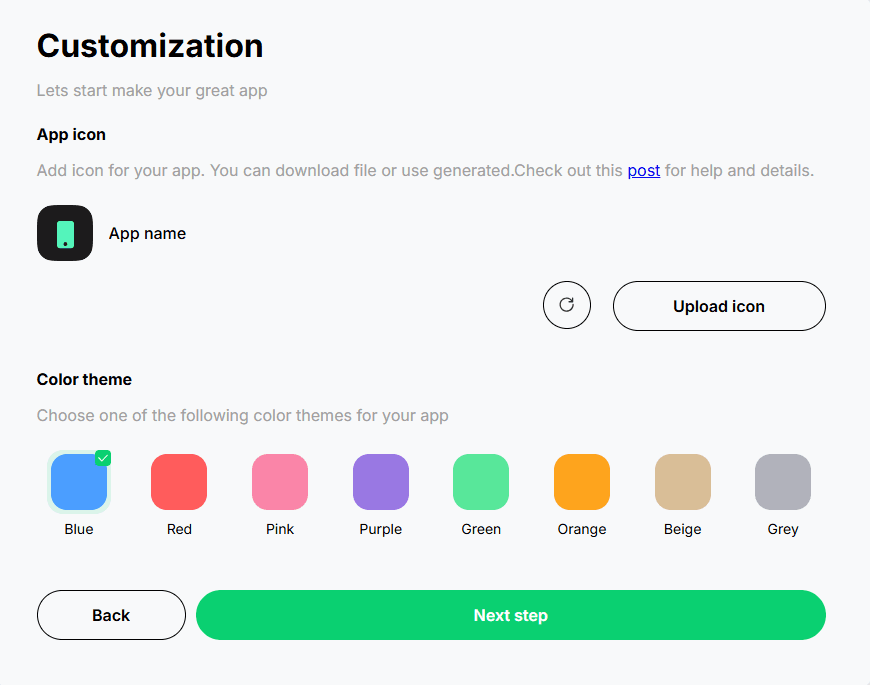
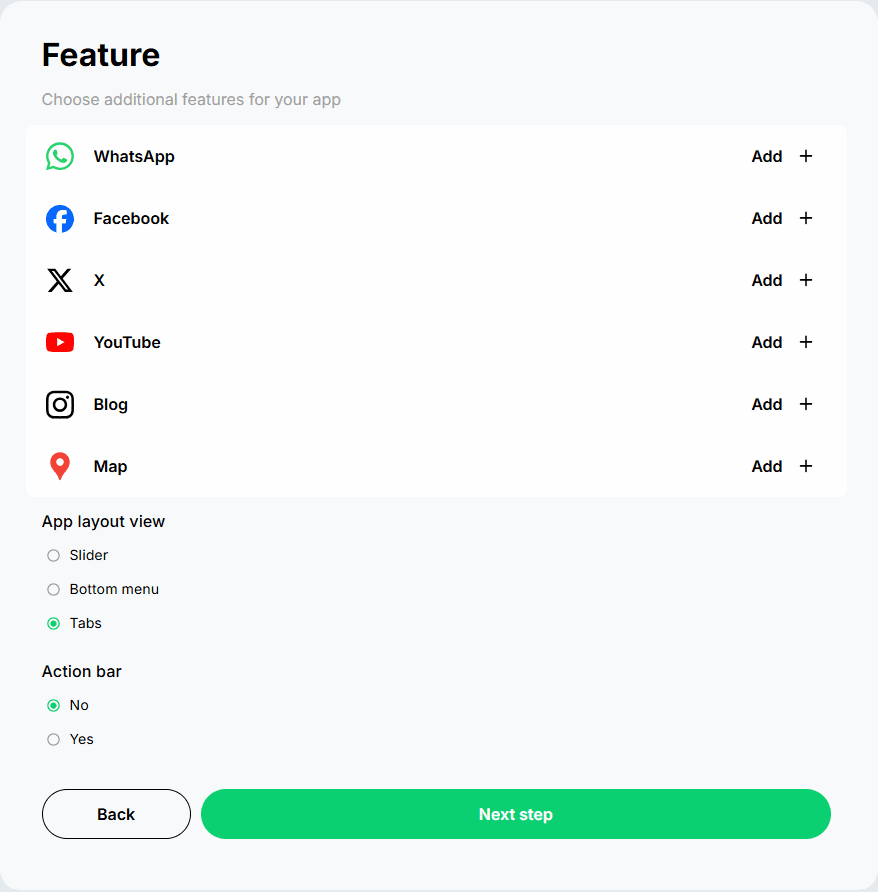
Add your app name, icon, splash screen, colors, tabs, navigation, push notifications, and other mobile features without writing code.
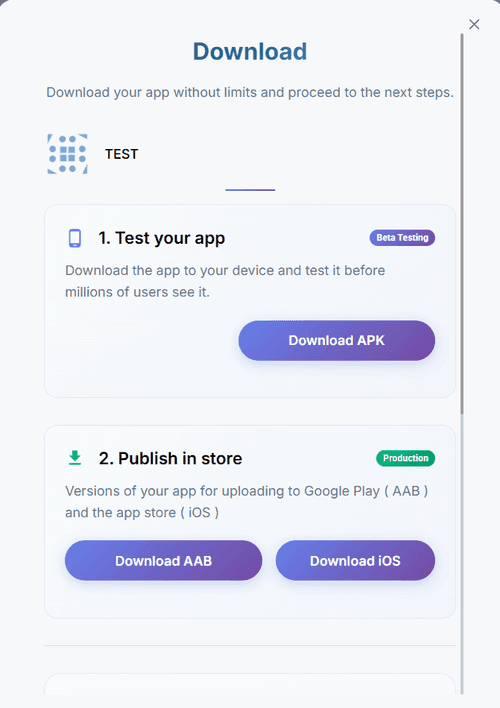
Generate an Android APK for testing or prepare an AAB for Google Play. Test the app on your phone and publish it when ready.
Build more than a shortcut. AppsGeyser helps you create a branded Android app experience around your existing website.
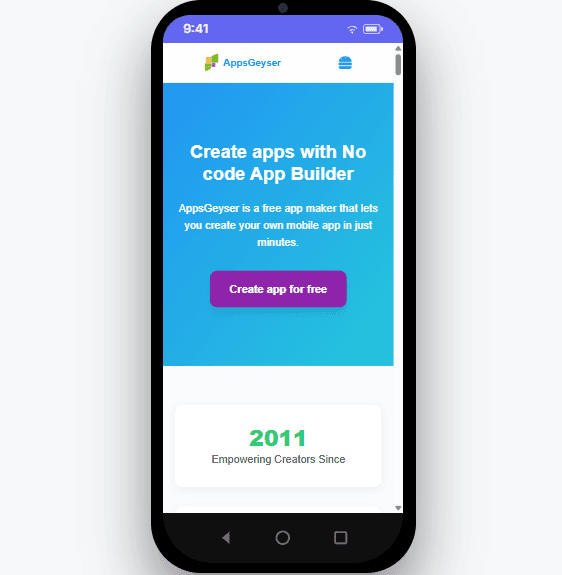
Preview the main builder tools users need to turn a website URL into a branded Android app: URL import, mobile preview, app design settings, push notifications, and APK/AAB generation.
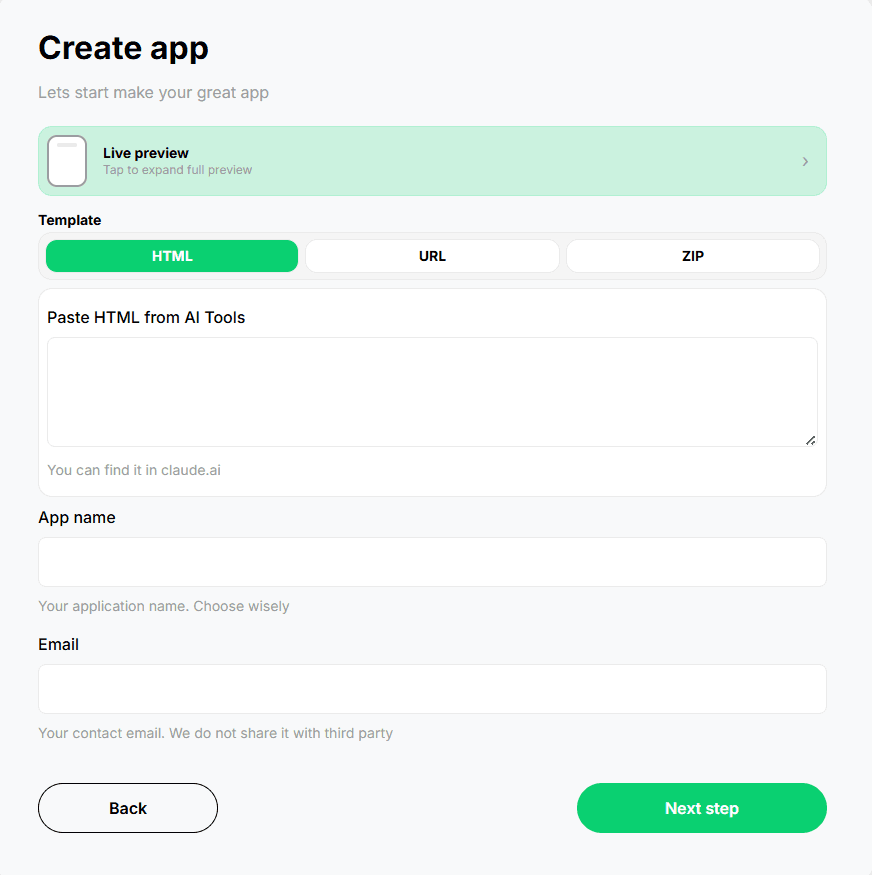
AppsGeyser works for many website types, from small business websites to AI-built tools and ecommerce platforms.
Convert a WordPress blog, magazine, company website, or landing page into an Android app.
Give customers faster mobile access to products, collections, offers, and store updates.
Turn a Wix portfolio, restaurant page, local business site, or service website into an app.
Create a mobile app for your ecommerce website and keep the web store as the content source.
Convert a simple HTML website or hosted web project into an Android APK.
Create an app wrapper for dashboards, client portals, business tools, and internal web apps.
Publish your Replit project, copy the live URL, and create an Android app from it.
Use the public URL of an AI-built project to create a mobile Android app experience.
Created a project with Replit, Lovable, Bolt, Base44, V0, or another AI website builder? Publish your project, copy the public URL, and use AppsGeyser to generate an Android app for testing and distribution.
A website-based Android app is often the fastest and most affordable way to launch a mobile presence when you already have a working website.
| Factor | AppsGeyser Website App | Custom Native Development |
|---|---|---|
| Launch time | Minutes to create and test the first app version. | Usually weeks or months depending on scope, design, and features. |
| Cost to start | Free to start with optional upgrades for advanced needs. | Requires a development budget, project management, and ongoing maintenance. |
| Coding skills | No coding, no Android Studio, and no mobile development experience required. | Requires Android/iOS developers or an agency team. |
| Content updates | Your live website remains the main content source for the app. | Many changes may require developer work and app updates. |
| Best for | Websites, blogs, stores, dashboards, MVPs, local businesses, and AI-built projects. | Complex apps with advanced native features or custom device integrations. |
A mobile app gives users a direct way to return to your website, receive updates, and interact with your brand from the home screen.
An app icon on the user's phone makes it easier to return to your website without searching or typing the URL again.
Notify users about new posts, offers, product updates, booking reminders, events, or important announcements.
A branded app can make your business look more established and give users a cleaner mobile access point.
Publish your Android app on Google Play and create another discovery channel for your website or online business.
Give customers, readers, students, or clients a dedicated mobile experience built around your existing web content.
Launch a website-based app first, collect feedback, and decide later whether you need a fully custom native app.
Paste your website URL, customize your mobile app, generate APK/AAB, and prepare your app for Google Play with AppsGeyser.
Answers to common questions about creating an Android app from a website URL.
Yes. AppsGeyser lets you start for free and create an Android app from your website URL without coding. You can customize the app, generate an APK, and test it on an Android device.
Paste your website URL into AppsGeyser, customize the app name, icon, splash screen, colors, tabs, and features, generate your APK or AAB file, test it, and publish it on Google Play when ready.
Yes. AppsGeyser can generate an Android APK from your website so you can install it on a phone, test the mobile experience, or share it directly.
Yes. AppsGeyser is a no-code website to app converter for creating Android apps from website URLs. It is suitable for blogs, online stores, business websites, dashboards, and simple web apps.
A website-based app uses your live website as the main content source inside an Android app experience. This works best when your website is already mobile-friendly.
For website-based apps, your live website remains the main content source. Many content changes on your website can appear inside the app without rebuilding the whole app.
Yes. AppsGeyser supports push notification options so you can send updates, offers, reminders, or announcements to your app users.
Yes. After creating and testing your app, you can prepare it for Google Play. AppsGeyser also provides publishing support for users who need help with the submission process.
Yes. You can convert a WordPress website, blog, online magazine, company website, or landing page into an Android app using the website URL.
Yes. If your store has a mobile-friendly public URL, you can use it as the base for an Android app and give shoppers a dedicated app access point.
Yes. AppsGeyser can help you create an Android app from a Wix website URL, including business websites, portfolios, restaurant pages, and service websites.
Yes. Publish your project, copy the public URL, paste it into AppsGeyser, customize the mobile app, and generate an Android APK for testing.
No. AppsGeyser is designed for non-technical users. You can create a website-based Android app without writing code or installing Android Studio.
AppsGeyser primarily helps you create Android APK/AAB apps. If you also need an iOS version, you can request additional assistance from the AppsGeyser team.