
How to Build a Digital Credit Application Workflow for Your Small Business
A customer can browse your mobile catalog and place an order in minutes, yet opening a trade account may still involve printing a form, scanning it, and emailing attachments. For small businesses selling on payment terms, this gap creates extra work precisely when a new customer is ready to buy. A digital credit application workflow gives that paperwork a defined route from initial request to documented decision.
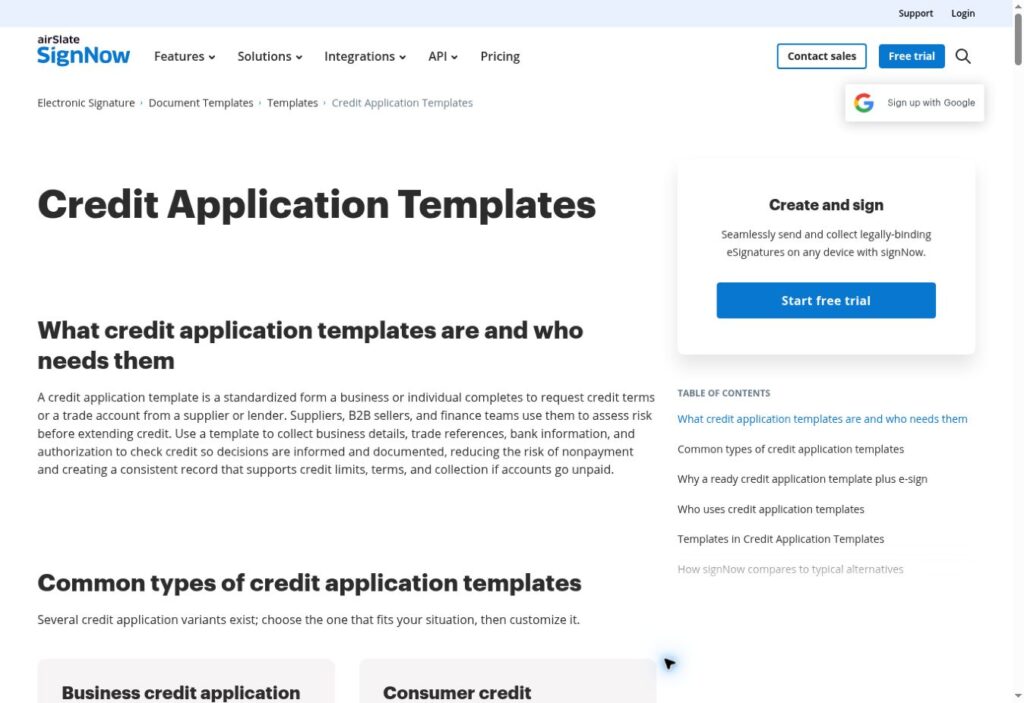
A useful starting point is signNow’s Credit Application Templates, considered alongside your business’s own application requirements. For entrepreneurs building a website or no-code business app, the practical challenge is deciding what customers should do in the app, what belongs in an electronic document, and who reviews the completed application. The following approach focuses on business-to-business trade accounts rather than consumer lending.
Define the credit request before designing the form
Start with the decision the application needs to support. A wholesaler considering invoice payment terms needs a different document from a lender considering a commercial loan. For a trade account, write down who may apply, what information the reviewer needs, and how the customer will learn the outcome.
Keep requested terms separate from approved terms. If a customer asks for a particular spending limit, that entry should remain a request until an authorized reviewer makes a decision. Likewise, completing an electronic signature should mean the application has been signed, not that the business has granted credit. This distinction should appear in customer instructions and internal status labels.
Choose a template that matches your business relationship
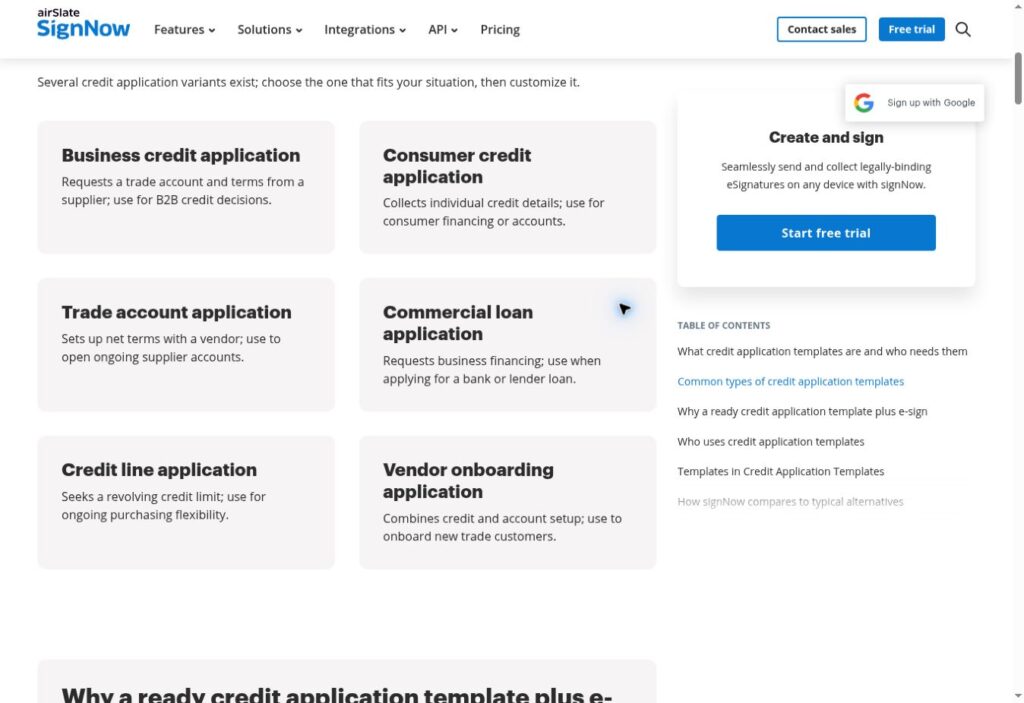
Use the document’s purpose as your first selection criterion. A trade-account application should help a supplier evaluate a business customer’s request to purchase on terms. A consumer application or commercial loan form may introduce questions and contractual language that do not fit that relationship.
Read the whole template before adopting it. Check the named parties, references to payment obligations, authorization wording, and signature capacity. Remove another organization’s details and have the relevant terms reviewed for your business. A personal guaranty deserves particular attention because it concerns an individual’s responsibility for a business debt. Do not bury that obligation in an ordinary contact-information section or assume every applicant must provide one.
Collect information the reviewer can actually use
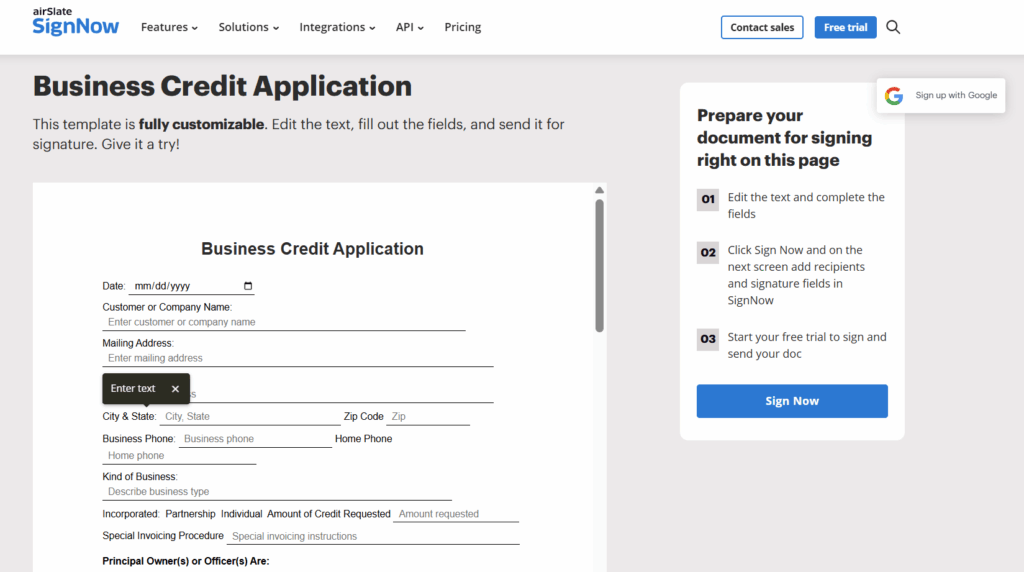
Design each field around a review task. The legal business name identifies the applicant; the billing contact identifies who handles invoices. The requested terms describe the commercial need. Trade-reference details help the reviewer seek relevant payment-history information through the business’s approved process.
Make instructions specific: distinguish a trading name from the legal entity, and explain what to enter if a field does not apply. Avoid requiring sensitive identifiers simply because an old form contains a space for them. The FTC’s guidance on protecting personal information recommends limiting collection and retention to information with a legitimate business need. Apply that principle to both the document and any connected app.
Give your website or app a clear role
For entrepreneurs creating a business app, the app can serve as the starting point for the credit application process: explain eligibility, list the information applicants should prepare, and provide a way to request the appropriate application. An initial inquiry can use basic business contact details while the credit document follows a controlled handling process.
For a small team, a staff member can review the inquiry and initiate the document step manually. That operating model does not depend on an assumed native integration between AppsGeyser and signNow. If you later build a connection, test authentication, document access, and status updates before relying on it. Keep financial details out of notification previews and public-facing URLs.
Prepare the document before you send for signature
Review a sample application from the applicant’s perspective. Are the questions understandable without a phone call? Can the signer distinguish requested terms from contractual commitments? Is the person signing clearly identified by name and business role? Resolve those issues before the document reaches a customer.
Use fictional details for this rehearsal, and inspect the result on a phone as well as a desktop. Check whether long company names remain readable and whether instructions still make sense when viewed on a smaller screen. Establish how staff will correct an incomplete application without silently changing a signed record. Version names and a designated template owner help prevent outdated wording from circulating.
Separate signing from review and account activation
Use distinct internal stages such as request received, awaiting signature, signed and awaiting review, additional information needed, and decision recorded. These labels describe your operating process; they are not a claim about a particular software interface. Assign an owner to every handoff so an application does not sit between sales and finance.
After signing, the reviewer should check completeness, resolve inconsistencies, and follow the business’s credit policy before recording an outcome. Keep the decision and any approved terms connected to the correct customer account. Only then should the person responsible for account setup enable the agreed purchasing arrangement. An eSignature documents an action; it does not establish creditworthiness.
Protect both the document and the surrounding workflow
signNow’s security measures include TLS 1.2/1.3 for data in transit, AES-256 encryption at rest, audit trails, and two-factor authentication. These controls matter when documents contain financial information, but the surrounding process also needs attention. A protected signing step can still be undermined by an unnecessary copy sent to a shared mailbox.
Limit application access to staff who need it, establish a retention schedule appropriate to the records and applicable obligations, and define how access is removed when responsibilities change. Avoid using real customer applications for demonstrations or staff training. Keep a record of who owns the process, who can approve document changes, and where the authoritative completed record belongs. As application volumes grow, understanding different document management systems can help you plan document storage, access permissions, and version control.
Account for electronic-signature requirements in the U.S.
The ESIGN Act provides a general rule recognizing electronic records and signatures in covered transactions. The NCUA’s explanation of the ESIGN Act also describes consent requirements when certain legally required consumer disclosures are delivered electronically. Those consumer requirements should not be treated as interchangeable with every B2B document process.
For implementation, have counsel review the application language, signing authority, applicable disclosures, and recordkeeping requirements. Keep agreement to use electronic documents distinct from any authorization needed for a credit inquiry. Choosing an eSignature service does not settle those questions by itself. The document’s content and the business’s handling procedures remain part of a defensible workflow.
A practical example: a supplier onboarding a contractor
Consider an illustrative building-materials supplier whose customers reorder through a mobile catalog. A contractor asks to buy on account. The supplier’s intake page explains the application process and directs the inquiry to the employee responsible for new trade accounts.
That employee selects the reviewed business application, confirms the intended signer, and arranges for the customer to fill and sign. Finance then checks the submitted information and records its decision separately. If terms are approved, account setup follows the recorded decision. If information is missing, staff request clarification before activation. This example describes a proposed process, not a signNow customer case study or a promise of faster approvals.
Measure document friction before adding automation
Begin by tracking where applications pause: before signing, during correction, or after finance receives them. Record completion time, the proportion returned for missing information, and the number of applications awaiting an assigned reviewer. Define the start and end points consistently so your measurements are comparable.
Review the reasons behind delays before buying or building more automation. Repeated questions about one field suggest unclear wording; completed applications awaiting review suggest an ownership problem. A short pilot with a reviewed template and a documented handoff can reveal both. Expand the workflow only when staff can explain where every application stands and customers understand what happens after they sign.
Frequently asked questions
What should a business credit application include?
A business credit application should identify the applicant and collect the information needed to assess the requested terms. Depending on the relationship, this may include billing contacts, trade references, and relevant financial details. The form should clearly distinguish requested terms, authorizations, and any separate guarantee obligations.
Can a customer sign a credit application electronically?
Electronic signatures can be used for many credit applications, subject to applicable law and the document’s requirements. The ESIGN Act supports electronic records and signatures in covered transactions. Businesses should still address signing authority, applicable consent requirements, and retention rather than assume a signature alone resolves compliance.
Does a signed credit application mean the customer is approved?
No. Signing an application and approving credit are different steps. The signature records the applicant’s action on the document, while approval follows the business’s review process. Keep the requested limit separate from any approved limit, and communicate the outcome before activating purchasing terms on the customer’s account.
Do I need an integration to add this process to a business app?
A simple process can begin without a direct software integration. The app can explain the requirements and collect an initial inquiry, while staff handle the document and review steps separately. Any later integration should be evaluated and tested for access control, reliable status updates, and appropriate handling of sensitive information.
How can I reduce incomplete credit applications?
Start with clear field labels, brief examples, and instructions for questions that may not apply. Tell customers what information to prepare before they begin. Test the document on a phone, then review recurring omissions during a pilot. Clarify confusing wording before increasing reminders or adding more mandatory fields.