
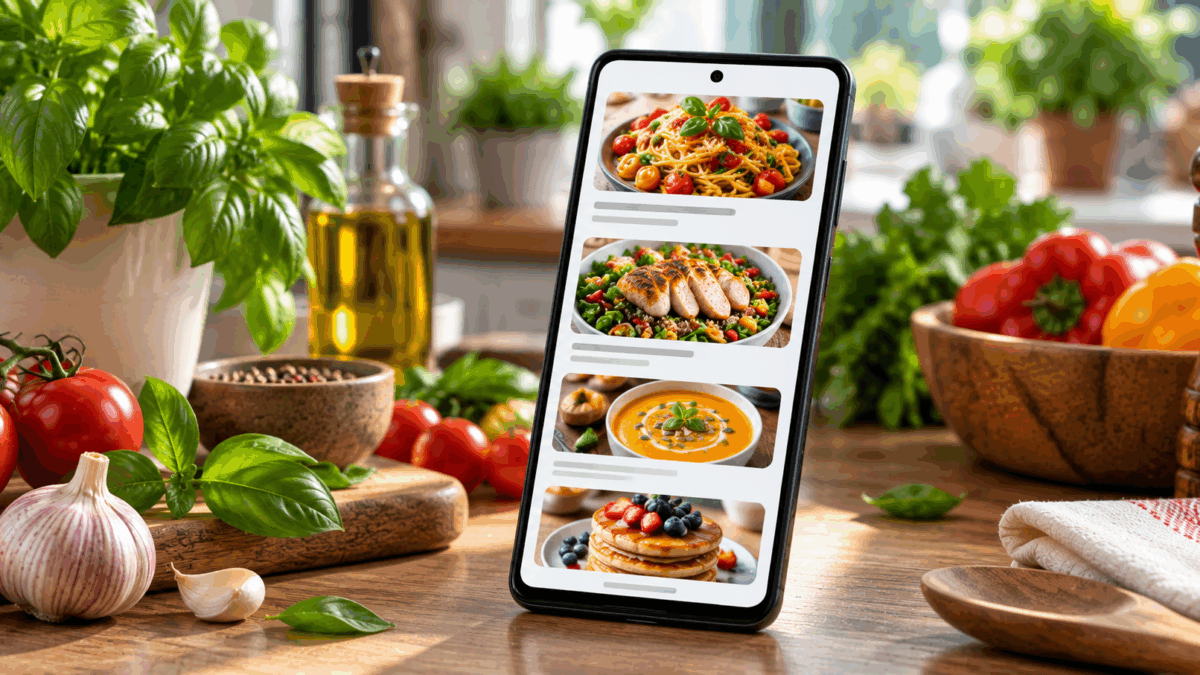
Recipe App Builder: Create an Android Recipe App Without Coding
Quick answer: If you already have a recipe website, food blog, restaurant site, or cooking content online, you can use AppsGeyser to turn that content into an Android app without writing code. Prepare a mobile-friendly source, customize the app, test it on Android devices, and then follow the current Google Play requirements if you want to publish it.
Who Is a Recipe App Useful For?
A recipe app can help food bloggers, restaurants, chefs, cooking schools, niche publishers, and community sites make their content easier to access on Android devices. The most practical approach is to start with content that is already organized online and make sure it works well on mobile before converting it into an app.
If your recipes are already available on a website, you can also review our guide on how to convert a website into an Android app.
What to Prepare Before Building a Recipe App
- a mobile-friendly recipe website or content source;
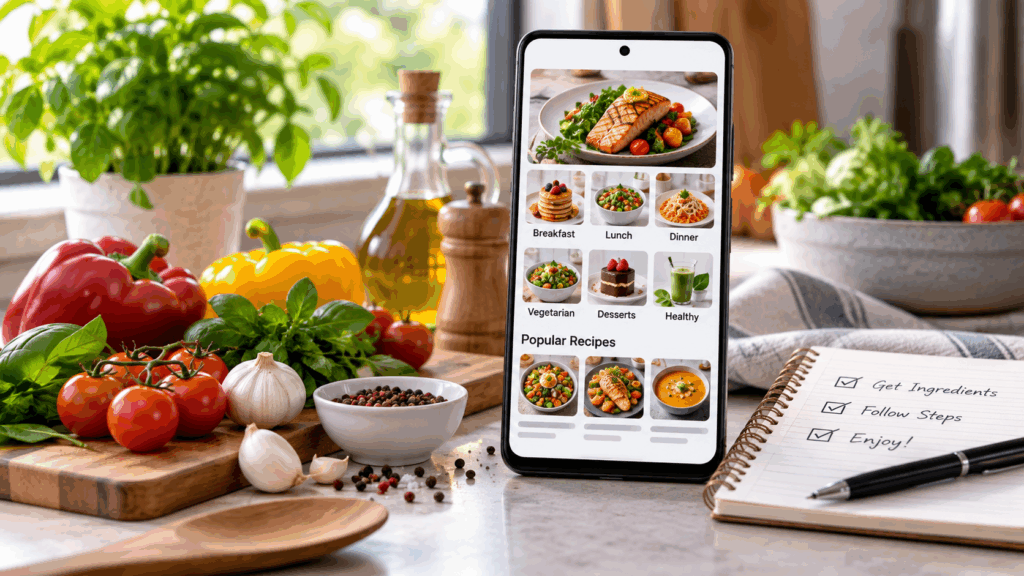
- clear recipe categories such as breakfast, dinner, vegan, desserts, or quick meals;
- consistent food photos you have the right to use;
- easy-to-read ingredient lists and cooking steps;
- an app name, icon, and basic visual identity;
- a privacy policy if the app collects or processes personal data.
Good source content matters. An app will not fix a website that is difficult to navigate, overloaded with popups, slow to load, or hard to read on a small screen.
How to Create a Recipe App Without Coding
1. Start With Your Recipe Website or Content
Make sure your recipe pages are usable on mobile. Check text size, navigation, image loading, ingredient lists, buttons, and any forms or account features.
2. Open the AppsGeyser Website-to-App Builder
Use the AppsGeyser website app creator to connect your website content to an Android app workflow. This approach is practical for recipe sites because your existing content remains the foundation of the app.
3. Customize the App
Add your app name, icon, colors, and navigation options supported by the builder. Keep the interface simple. Recipe users usually want to reach categories, search, favorites or saved pages, and cooking instructions quickly if those functions are available in the underlying site.
4. Preview the App
Review how your recipes appear inside the app. Test long ingredient lists, step-by-step instructions, embedded video, images, forms, and links. Do not assume that a page that looks good on desktop will automatically work well inside an Android app.
5. Test on Android Devices
Test the app on more than one screen size when possible. Pay attention to navigation, loading speed, recipe readability, media playback, login flows, and any checkout or booking functionality your site uses.
6. Prepare the Build for Distribution
When the app works correctly, prepare the Android build needed for your distribution method. If you want background on the packaging process, see our APK builder guide.
Recipe App Content That Works Well on Mobile
Clear Recipe Categories
Organize recipes around real user needs: meal type, cooking time, dietary preference, cuisine, difficulty, or occasion. Avoid creating too many overlapping categories.
Readable Ingredients and Steps
Keep ingredient lists easy to scan and break instructions into short steps. Users often read recipes while cooking, so clarity matters more than long introductory text.
Useful Photos and Video
Use images that show the finished dish or important preparation stages. Compress files so they load quickly without becoming visibly blurry. If you use video, test playback on mobile data as well as Wi-Fi.
Fresh Content and Notifications
Publishing new recipes regularly gives users a reason to return. If push notifications are available in your app setup, use them selectively for meaningful updates such as a new recipe collection or seasonal menu rather than sending frequent promotions. Read more about the role of push notifications.
Google Play Requirements for Recipe Apps in 2026
Creating the app and publishing it on Google Play are separate processes. Google Play applies technical, account, privacy, content, and store-listing requirements.
As of August 31, 2026, new Android mobile apps and app updates submitted to Google Play must target Android 16 (API level 36) or higher. Developers should always confirm the current target API requirement before submitting an update.
Personal Play Console accounts created after November 13, 2023 must also complete the applicable closed-testing requirement before production access: at least 12 testers opted in continuously for at least 14 days, followed by an application for production access.
See our guide on how to publish an app on Google Play and verify the latest requirements in the official Play Console documentation before release.
Can a Recipe App Be Monetized?
Eligible AppsGeyser apps can use available monetization options. Advertising may be one model, but actual revenue varies based on audience, geography, engagement, ad demand, policy compliance, and other factors. There is no guaranteed monthly income.
For recipe publishers, other business models may also exist outside the app itself, such as sponsored content, subscriptions, restaurant bookings, classes, affiliate links, or product sales where appropriate and compliant. The right model depends on the underlying business.
Recipe App Privacy and Content Rights
Use food photos, videos, recipes, and branded material only when you have the right to publish them. If your app collects account information, analytics, form submissions, location, payment data, or other personal information, make sure your privacy disclosures and data practices are accurate.
Do not copy recipes, images, or editorial content from other publishers simply because they are publicly accessible online.
Frequently Asked Questions
Do I need coding skills to create a recipe app?
No. AppsGeyser supports a no-code website-to-app workflow. You still need to prepare your content, configure the app, test it, and handle publishing requirements.
Can I create a recipe app from an existing website?
Yes. Converting an existing mobile-friendly recipe website is one of the most practical ways to create this type of Android app because your site remains the content source.
Can I add new recipes later?
If your app is based on website content, updates to the source site can keep the content current. Changes that affect the Android package itself may require a new build or store update.
Can I publish a recipe app on Google Play?
Yes, if the app and your developer account meet the current Google Play technical, testing, privacy, content, and store-listing requirements. Publication is not automatic.
Can a recipe app make money?
It can use eligible monetization options, but earnings are not guaranteed. Build for user value and retention first, then choose monetization that fits your audience and complies with relevant policies.
Create Your Recipe App
If your recipe website is already mobile-friendly, start with the AppsGeyser website-to-app builder, test the result on Android devices, and prepare the app for distribution when it is ready.